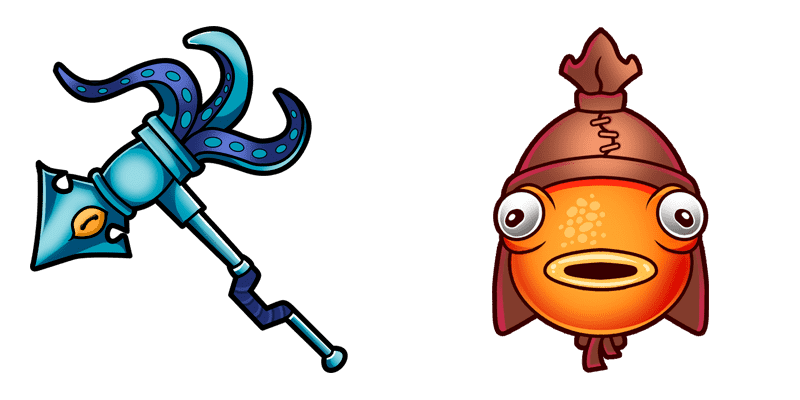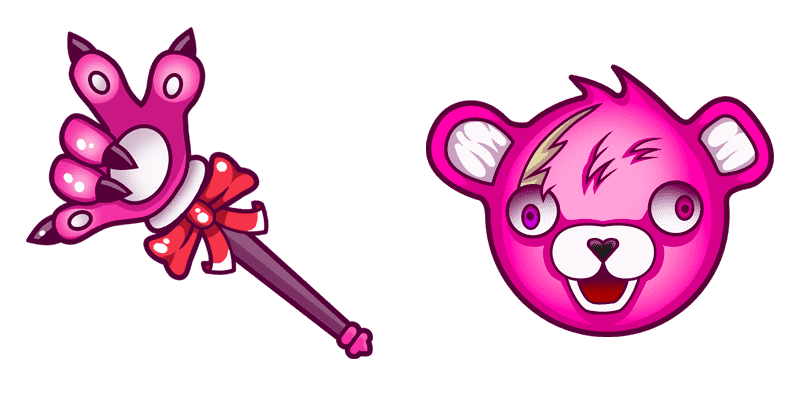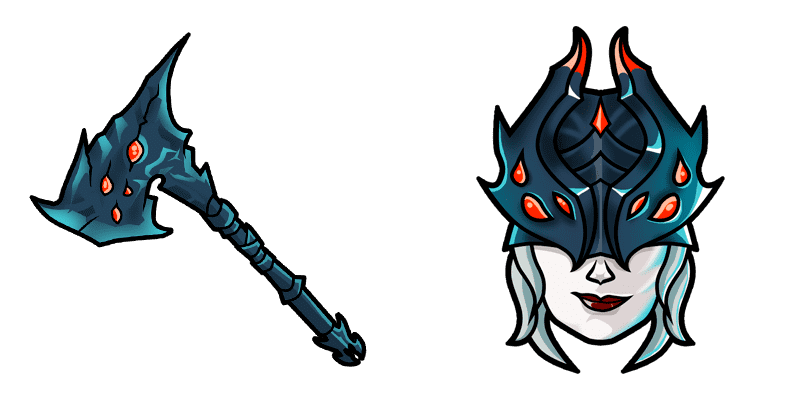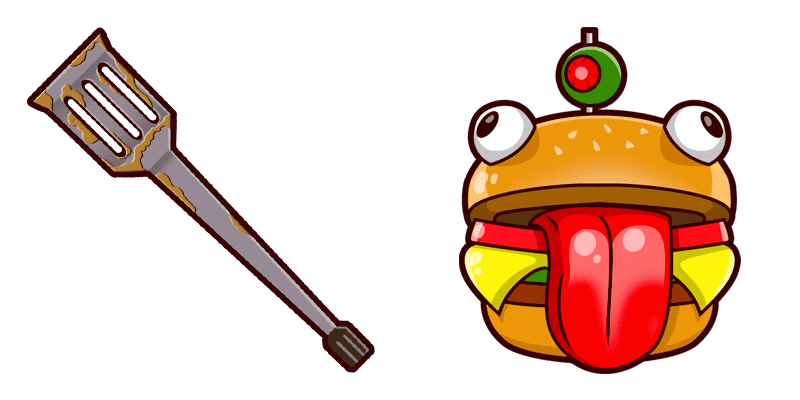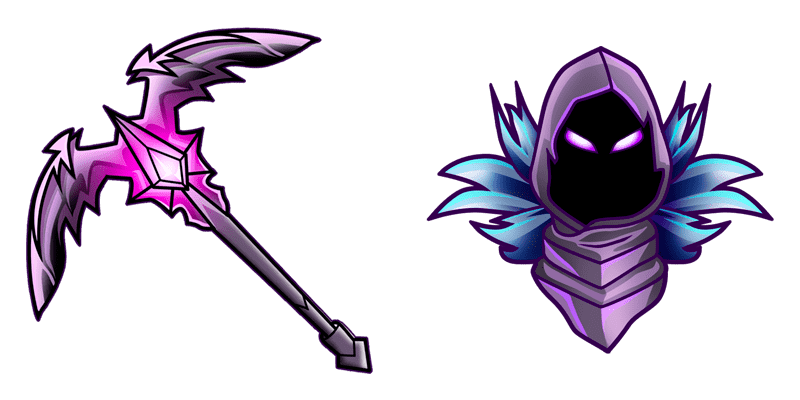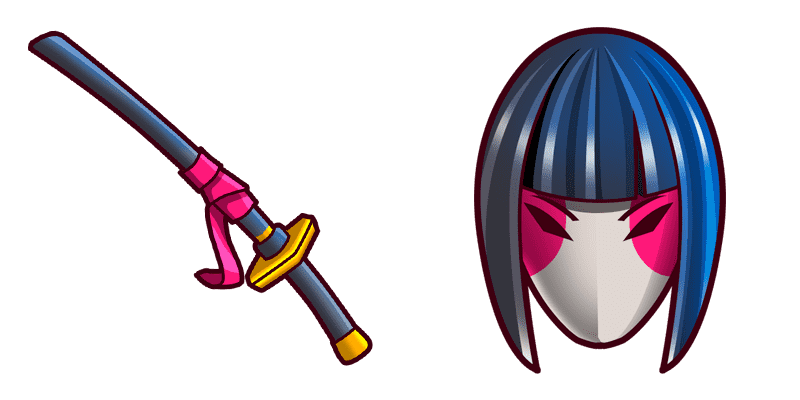
8 Ball cursor

8 Ball - Custom Cursor und cute Cursor für den Browser.

Try this cursor

Move across the preview to feel both cursor styles.

8 Ball cute cursor pack preview
Hover these
Auto · default + hover
45
Der 8-Ball-Cursor aus der Cursors Collection ist eine lustige und einzigartige Möglichkeit, Ihrem Browser etwas Persönlichkeit hinzuzufügen. Dieser Cursor verfügt über einen realistisch aussehenden Poolball mit der Nummer 8 und bewegt sich reibungslos und nahtlos über Ihren Bildschirm. Ob Sie ein Fan von Billard sind oder nur nach einem lustigen neuen Cursor-Design suchen, der 8-Ball-Cursor ist sicher, beeindrucken zu lassen. Es ist einfach zu installieren und zu bedienen, also warum nicht es versuchen und sehen, wie es Ihre Surf-Erfahrung verbessert?Dieses Cursor-Paket 8 Ball ist Teil der Kollektion Fortnite Chapter 2. Sie können auch andere Cursor-Pakete in dieser Kollektion ansehen, um noch mehr interessante Optionen zu finden.

You may also like

Explore other cursor packs from our collection

Gefroren Flurry Cursor-Paket

Gefroren Flurry Cursor-Paket

Gefroren Flurry - Custom Cursor und cute Cursor für den Browser.

Ansehen
Fortnite 2: Red Strike Cursor-Paket

Fortnite 2: Red Strike Cursor-Paket

Fortnite 2: Red Strike Custom Cursor Pack mit süßem Cursor für Fans des Themas.

Ansehen
Ikonen Cursor-Paket

Ikonen Cursor-Paket

Lade Ikonen - cute Cursor und Custom Cursor für den Alltag.

Ansehen
Hay Man Fortnite Cursor-Paket

Hay Man Fortnite Cursor-Paket

Free custom cursor: Hay Man cute cursor with a classic Fortnite look.

Ansehen
Fortnite Meowscles Skin & Skellefish Glider Cursor-Paket

Fortnite Meowscles Skin & Skellefish Glider Cursor-Paket

Install the Fortnite Meowscles Skin & Skellefish Glider cute cursor - free custom cursor packed with vibe.

Ansehen
Marschmello Cursor-Paket

Marschmello Cursor-Paket

Marschmello: süßer Cursor und Custom Cursor Pack für Browser und Windows.

Ansehen
Dipper Pines Fortnite Cursor-Paket

Dipper Pines Fortnite Cursor-Paket

Grab the Dipper Pines cute cursor - a free custom cursor pack for fans.

Ansehen
Der dunkle Ritter Cursor-Paket

Der dunkle Ritter Cursor-Paket

Wähle Der dunkle Ritter - cute Cursor und Custom Cursor ohne Ballast.
Ansehen

How to Install 8 Ball

How to Install cursor 8 Ball for Chrome

8 Ball preview

8 Ball

8 Ball - Custom Cursor und cute Cursor für den Browser.
  1. 1
    Go to Chrome Web Store

    Hit the 'Add to Browser' button to get the '8 Ball' pack.

  2. 2
    Add the Extension

    On the Chrome Web Store, smash that ‘Add to Chrome’ button and confirm.

  3. 3
    Pin for Easy Access

    Pro-tip: Pin the 'Cute Cursors' extension to your toolbar for quick access.

  4. 4
    Activate Your Cursor

    Open the extension, find the '8 Ball' pack, and click to activate. Easy peasy!

Piece of cake, right? Go on and have fun!

Didn't Find Your Vibe?

Our universe of cursors is huge. Dive into hundreds of unique collections and find the one that truly represents you.

Explore All Collections