Norwegen cursor

Wähle Norwegen - cute Cursor und Custom Cursor ohne Ballast.

Try this cursor

Move across the preview to feel both cursor styles.

Norwegen cute cursor pack preview
Hover these
Auto · default + hover
122
Die Cursors Collection bietet einen norwegischen Cursor für Webbrowser, der die ikonische rote und blaue Flagge des Landes enthält. Der Cursor verfügt über ein charakteristisches Design, das Norwegens natürliche Schönheit und nordische Kultur repräsentiert. Benutzer können den Cursor leicht herunterladen und installieren, sodass sie ihr Surferlebnis mit einem Hauch norwegischer Flair personalisieren können. Dieser Cursor ist perfekt für alle, die Norwegen lieben oder ihrem Computer einen Hauch skandinavischer Charme hinzufügen möchten.Wenn Sie nach weiteren benutzerdefinierten Cursor suchen, hat die Kollektion Flags viele Optionen für Ihre Auswahl.

You may also like

Explore other cursor packs from our collection

Island Cursor-Paket

Island Cursor-Paket

Süßer Cursor Island frischt Klicks auf - free Custom Cursor für den PC.

Ansehen
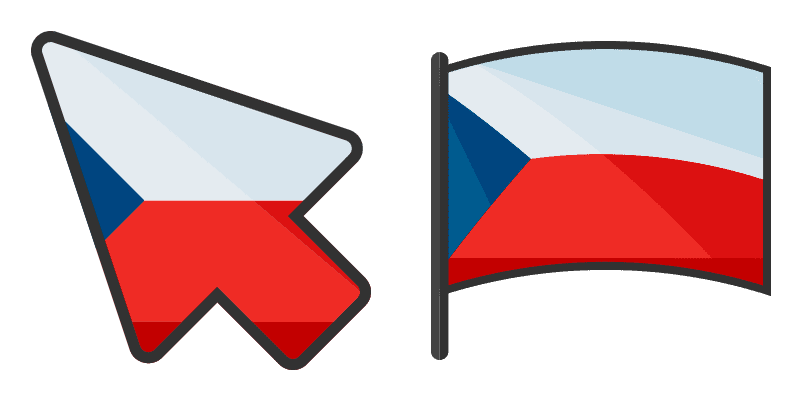
European Flags Czech Cursor-Paket

European Flags Czech Cursor-Paket

European Flags Czech cute cursor packs the white red blue triangle flag arrow and a matching blue pointing-hand pointer.

Ansehen
Ukraine Cursor-Paket

Ukraine Cursor-Paket

Süßer Cursor Ukraine frischt Klicks auf - free Custom Cursor für den PC.

Ansehen
Italienisch Cursor-Paket

Italienisch Cursor-Paket

Italienisch: soft cute Cursor im fertigen Custom Cursor Pack.
Ansehen
Georgien Cursor-Paket

Georgien Cursor-Paket

Georgien - Custom Cursor und cute Cursor für den Browser.

Ansehen
Spanien Cursor-Paket

Spanien Cursor-Paket

Spanien: süßer Cursor und Custom Cursor Pack für Browser und Windows.

Ansehen
European Flags England Cursor-Paket

European Flags England Cursor-Paket

European Flags England cute cursor packs the white red St George cross flag arrow and a matching red pointing-hand pointer.

Ansehen
Deutschland Cursor-Paket

Deutschland Cursor-Paket

Deutschland Custom Cursor Pack mit süßem Cursor für Fans des Themas.

Ansehen

How to Install Norwegen

How to Install cursor Norwegen for Chrome

Norwegen preview

Norwegen

Wähle Norwegen - cute Cursor und Custom Cursor ohne Ballast.

  1. 1
    Go to Chrome Web Store

    Hit the 'Add to Browser' button to get the 'Norwegen' pack.

  2. 2
    Add the Extension

    On the Chrome Web Store, smash that ‘Add to Chrome’ button and confirm.

  3. 3
    Pin for Easy Access

    Pro-tip: Pin the 'Cute Cursors' extension to your toolbar for quick access.

  4. 4
    Activate Your Cursor

    Open the extension, find the 'Norwegen' pack, and click to activate. Easy peasy!

Piece of cake, right? Go on and have fun!

Didn't Find Your Vibe?

Our universe of cursors is huge. Dive into hundreds of unique collections and find the one that truly represents you.

Explore All Collections