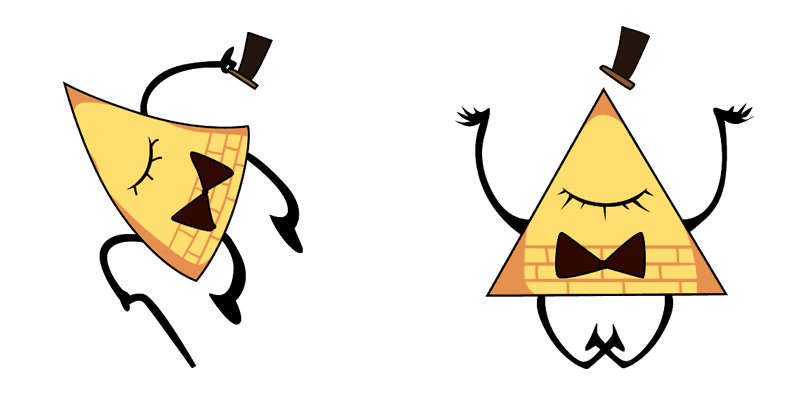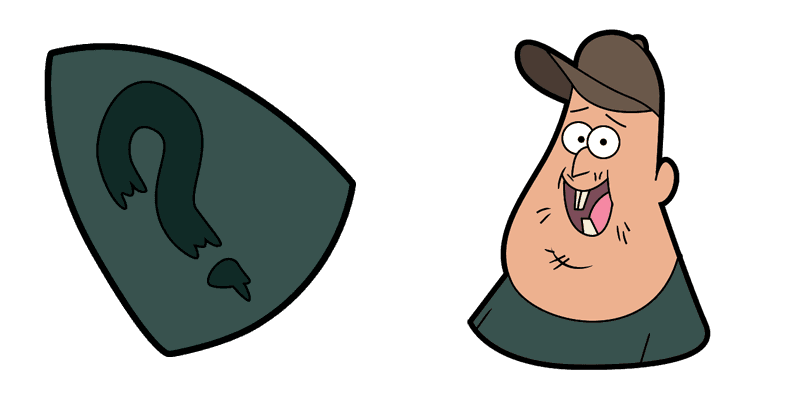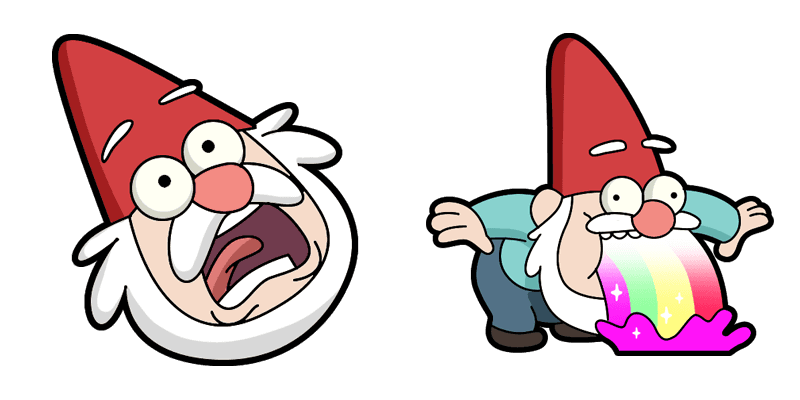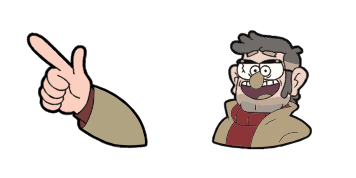
Gravity Falls cursor

Gravity Falls - Custom Cursor und cute Cursor für den Browser.

Try this cursor

Move across the preview to feel both cursor styles.

Gravity Falls cute cursor pack preview
Hover these
Auto · default + hover
361
Fügen Sie Ihrem Surfen mit dem Gravity Falls Cursor aus der Cartoons Cursor Collection ein bisschen Geheimnis hinzu. Mit dem ikonischen Pinienbaum und dem Schießstern-Emblem aus der beliebten animierten Serie ist dieser Cursor perfekt für Fans der Show, die ihrem Surfen im Web etwas Flair hinzufügen möchten. Laden Sie einfach den Cursor herunter und genießen Sie jedes Mal einen Hauch des Übernatürlichen, wenn Sie auf das Web klicken und navigieren. Machen Sie sich bereit, die Geheimnisse von Gravity Falls mit diesem lustigen und stilvollen Cursor zu erkunden.Entdecken Sie noch mehr coole Cursor-Pakete in der Kollektion Cartoons, zu der auch dieses Paket Gravitationsfälle gehört.

You may also like

Explore other cursor packs from our collection

Gravity Falls Toby Determined & Mic Cursor-Paket

Gravity Falls Toby Determined & Mic Cursor-Paket

Toby Determined and Mic cute cursor - a free custom cursor with a playful pine-tree vibe.

Ansehen
Gravity Falls Manly Dan & Axe Cursor-PaketA

Gravity Falls Manly Dan & Axe Cursor-Paket

Install the Manly Dan and Axe Animated cute cursor - custom cursor charm and weird-town pointer energy.

Ansehen
Gravity Falls Wendy Corduroy & Axe Cursor-Paket

Gravity Falls Wendy Corduroy & Axe Cursor-Paket

Wendy Corduroy and Axe cute cursor pack: free custom cursor with curious cryptid click charm.

Ansehen
Gravity Falls Stan Pines & 8-Ball Cane Cursor-Paket

Gravity Falls Stan Pines & 8-Ball Cane Cursor-Paket

Grab the Stan Pines and 8-Ball Cane cute cursor - free custom cursor packed with a playful pine-tree vibe.

Ansehen
Gravity Falls Uncle Stan Hat Symbol Cursor-PaketA

Gravity Falls Uncle Stan Hat Symbol Cursor-Paket

Install the Uncle Stan Hat Symbol Animated cute cursor - custom cursor charm and weird-town pointer energy.

Ansehen
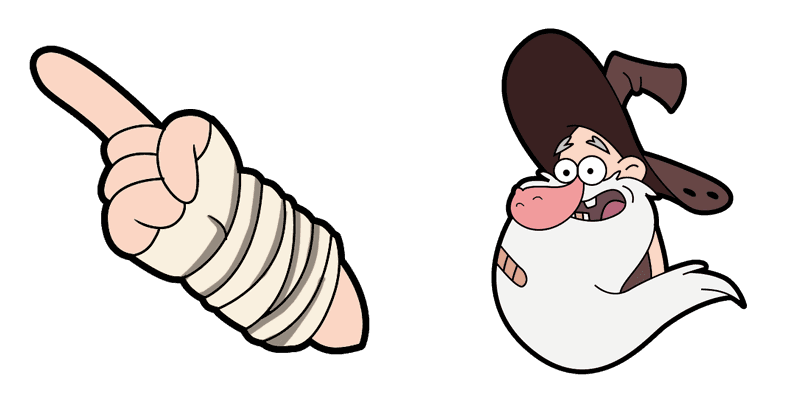
von Bill Cipher Cursor-Paket

von Bill Cipher Cursor-Paket

Süßer Cursor von Bill Cipher frischt Klicks auf - free Custom Cursor für den PC.
Ansehen
Gravity Falls Grenda Grendinator Cursor-Paket

Gravity Falls Grenda Grendinator Cursor-Paket

Grenda Grendinator custom cursor - a cute cursor pack with a playful pine-tree vibe.

Ansehen
Schmebulock Cursor-Paket

Schmebulock Cursor-Paket

Schmebulock: süßer Cursor und Custom Cursor Pack für Browser und Windows.

Ansehen

How to Install Gravity Falls

How to Install cursor Gravity Falls for Chrome

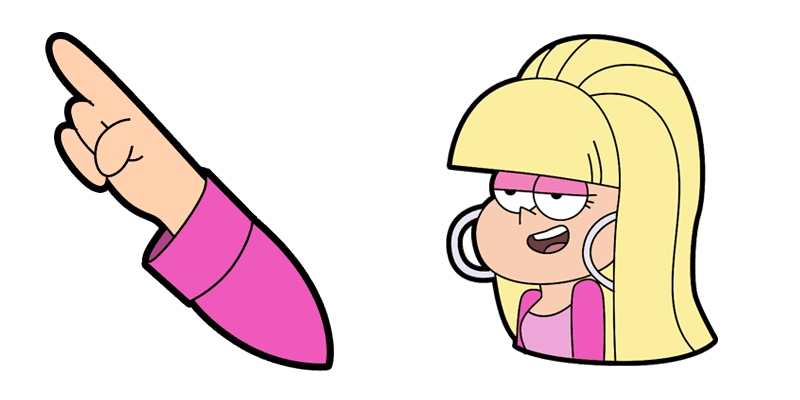
Gravity Falls preview

Gravity Falls

Gravity Falls - Custom Cursor und cute Cursor für den Browser.
  1. 1
    Go to Chrome Web Store

    Hit the 'Add to Browser' button to get the 'Gravity Falls' pack.

  2. 2
    Add the Extension

    On the Chrome Web Store, smash that ‘Add to Chrome’ button and confirm.

  3. 3
    Pin for Easy Access

    Pro-tip: Pin the 'Cute Cursors' extension to your toolbar for quick access.

  4. 4
    Activate Your Cursor

    Open the extension, find the 'Gravity Falls' pack, and click to activate. Easy peasy!

Piece of cake, right? Go on and have fun!

Didn't Find Your Vibe?

Our universe of cursors is huge. Dive into hundreds of unique collections and find the one that truly represents you.

Explore All Collections