Google Chrome

Dynamik custom cursor

Wähle Dynamik - cute Cursor und Custom Cursor ohne Ballast.

✨ Move your mouse to test both cursors
Arrow Cursor

Default navigation pointer

Pointer Cursor

Used for clickable elements

Hover over each side to preview both cursor styles in real-time.

1,000+
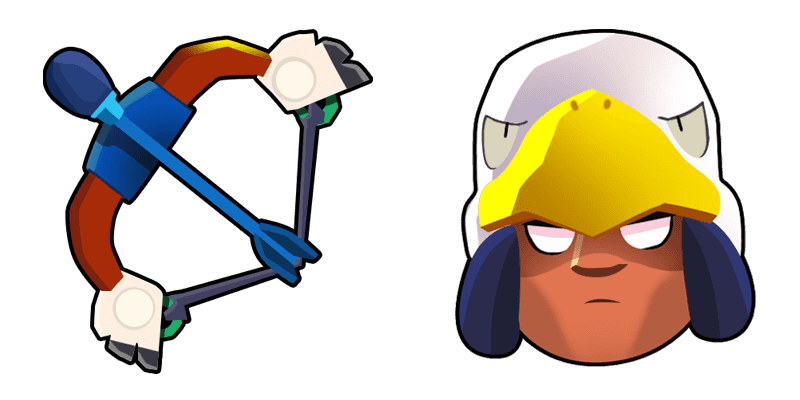
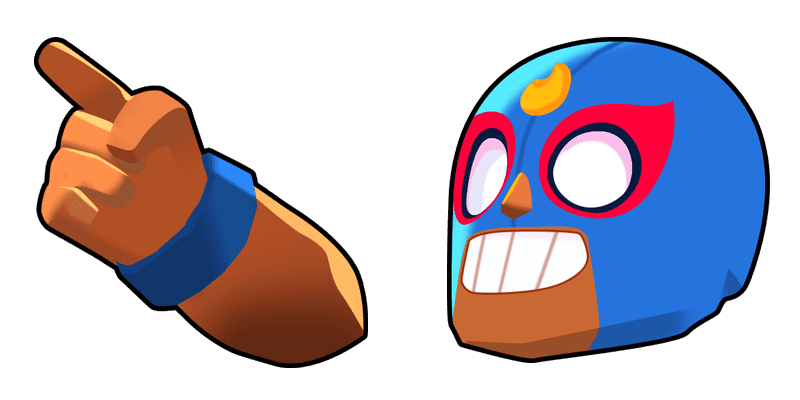
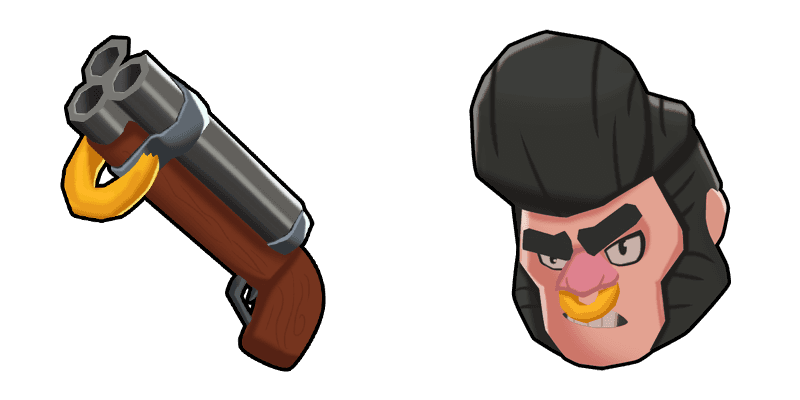
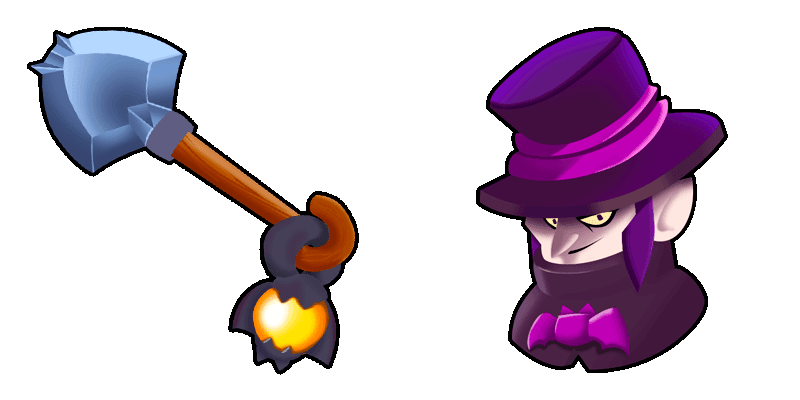
Der Dynamike Cursor ist Teil der Cursors Collection und wurde entwickelt, um das Surfen unterhaltsamer und aufregender zu gestalten. Mit seinem kühnen und auffälligen Design ist es einfach zu sehen, wo sich der Cursor auf dem Bildschirm befindet und hilft Benutzern, sich mit dem Inhalt zu beschäftigen. Der Cursor verfügt über den ikonischen Dynamike Charakter aus dem beliebten mobilen Spiel Brawl Stars, was es perfekt für Fans des Spiels oder für alle macht, die ihrem Surferlebnis etwas Persönlichkeit hinzufügen möchten. Insgesamt ist der Dynamike Cursor eine großartige Ergänzung zu jedem Browser und macht Ihr Surfen sicherlich angenehmer.Die Kollektion Games wurde für diejenigen erstellt, die Stil und Personalisierung schätzen und enthält diesen und weitere Cursor.

You may also like

Explore other cursor packs from our collection

Bo Cursor-Paket

Bo Cursor-Paket

Wähle Bo - cute Cursor und Custom Cursor ohne Ballast.

Brawl Stars Phoenix Crow Cursor-Paket

Brawl Stars Phoenix Crow Cursor-Paket

Try the Phoenix Crow cute cursor - free custom cursor style with a bold showdown look.

Brawl Stars Amber Cursor-Paket

Brawl Stars Amber Cursor-Paket

Download the Amber cute cursor - a custom cursor with a playful battle vibe.

Frank Cursor-Paket

Frank Cursor-Paket

Frank Cursor Pack mit cute Cursor Stil für Chrome, Edge und Windows.

Brawl Stars Rico Cursor-Paket

Brawl Stars Rico Cursor-Paket

Try the Rico cute cursor - free custom cursor style with a bold showdown look.

Das Brawl Stars Logo Cursor-Paket

Das Brawl Stars Logo Cursor-Paket

Wähle Das Brawl Stars Logo - cute Cursor und Custom Cursor ohne Ballast.

Brawl Stars Dark Lord Spike Cursor-Paket

Brawl Stars Dark Lord Spike Cursor-Paket

Dark Lord Spike custom cursor - a cute cursor pack with trophy road style.

Frank Cursor-Paket

Frank Cursor-Paket

Süßer Cursor Frank - kostenloses Custom Cursor Set für den Desktop.

How to Install Dynamik cursors

How to Install cursor Dynamik for Chrome

Dynamik preview

Dynamik

Wähle Dynamik - cute Cursor und Custom Cursor ohne Ballast.

  1. 1
    Go to Chrome Web Store

    Hit the 'Add to Browser' button to get the 'Dynamik' pack.

  2. 2
    Add the Extension

    On the Chrome Web Store, smash that ‘Add to Chrome’ button and confirm.

  3. 3
    Pin for Easy Access

    Pro-tip: Pin the 'Cute Cursors' extension to your toolbar for quick access.

  4. 4
    Activate Your Cursor

    Open the extension, find the 'Dynamik' pack, and click to activate. Easy peasy!

Piece of cake, right? Go on and have fun!

Didn't Find Your Vibe?

Our universe of cursors is huge. Dive into hundreds of unique collections and find the one that truly represents you.

Explore All Collections
Dynamik Cursor Pack - CuteCursors.com