


Kawaii: Dolphin cursor
Add Kawaii Dolphin to your mouse: cute cursor, free custom cursor, splashy calm.
Pusheen Sweet Tooth character cursor - free custom cursor with dark outline.
Try this cursor
Move across the preview to feel both cursor styles.

A Pusheen Sweet Tooth character cursor with a matching character pointer and darkened rim. The Pusheen Sweet Tooth cute cursor is a free custom cursor for Chrome and Edge, and it also works on Windows 10/11 through the Custom Cursor app.
Fan-made art only - not an official brand or licensed product. Static PNG cursor pack. It is fan-made cursor art with no official affiliation.
Install the Pusheen Sweet Tooth cursor pack and click with style.
Explore other cursor packs from our collection
Add Kawaii Dolphin to your mouse: cute cursor, free custom cursor, splashy calm.

Kawaii Unicorn and Rainbow - cute cursor and free custom cursor for gentle kawaii browsing.

Try Kawaii Lamp - a cute cursor and free custom cursor for calm clicks.
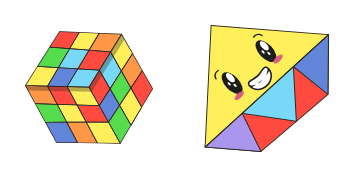
Kawaii Rubik's Cube custom cursor pack: cute cursor style with color block charm.

Kawaii Padlock cute cursor pack - soft custom cursor vibes for everyday clicks.

Kawaii Sloth free custom cursor - cute cursor charm with lazy-day charm.

Cute cursor energy from Kawaii Turtle - free custom cursor with tiny shell tips.

Kawaii Movie cute cursor - free custom cursor with ticket-soft energy.

Pusheen Sweet Tooth character cursor - free custom cursor with dark outline.
Hit the 'Add to Browser' button to get the 'Pusheen Sweet Tooth' pack.
On the Chrome Web Store, smash that ‘Add to Chrome’ button and confirm.
Pro-tip: Pin the 'Cute Cursors' extension to your toolbar for quick access.
Open the extension, find the 'Pusheen Sweet Tooth' pack, and click to activate. Easy peasy!
Our universe of cursors is huge. Dive into hundreds of unique collections and find the one that truly represents you.
Explore All Collections
Install it now for free from the official Chrome Web Store
Idle
{
  "status": "idle"
}