Google Chrome

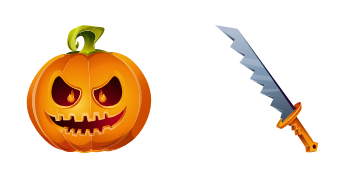
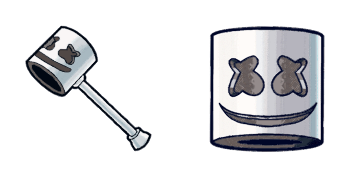
Rippley custom cursor

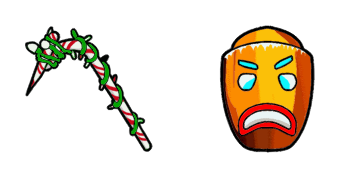
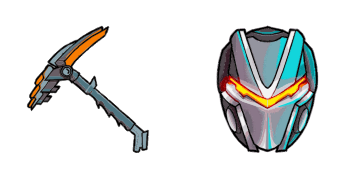
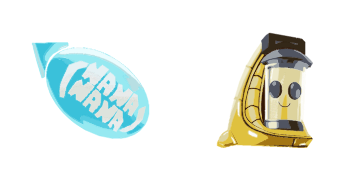
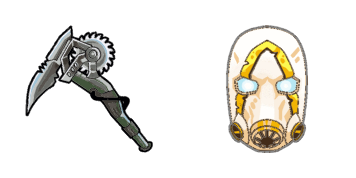
Discover Rippley's custom cursors - stylish and fun for browser & Windows 10/11 use! Add personality to your browsing with our easy-to-install aesthetic mouse pointer pack.

✨ Move your mouse to test both cursors
Arrow Cursor

Default navigation pointer

Pointer Cursor

Used for clickable elements

Hover over each side to preview both cursor styles in real-time.

1,000+
You'll follow four primary components of HTML code as an example: The first thing you need to know is that this project, or any other software development task, requires knowledge in several areas. It includes database design and management, which involves creating a reliable data model and organizing it efficiently for optimal query performance. A critical skill herein would be the ability to write SQL queries using stored procedures with well-optimized indexes. Here is how you can do it: 1. Create a function that will calculate the sum of all prime numbers less than or equal to 30?

How to Install Rippley cursors

How to Install cursor Rippley for Chrome

Rippley preview

Rippley

Discover Rippley's custom cursors - stylish and fun for browser & Windows 10/11 use! Add personality to your browsing with our easy-to-install aesthetic mouse pointer pack.

  1. 1
    Go to Chrome Web Store

    Hit the 'Add to Browser' button to get the 'Rippley' pack.

  2. 2
    Add the Extension

    On the Chrome Web Store, smash that ‘Add to Chrome’ button and confirm.

  3. 3
    Pin for Easy Access

    Pro-tip: Pin the 'Cute Cursors' extension to your toolbar for quick access.

  4. 4
    Activate Your Cursor

    Open the extension, find the 'Rippley' pack, and click to activate. Easy peasy!

Piece of cake, right? Go on and have fun!

You may also like

Explore other cursor packs from our collection

Lynx Custom Cursor Pack

Lynx Free Custom Cursor Pack

Discover sleek elegance with Lynx cursor pack - stylish web-browsers for Windows 10/11 featuring cute and aesthetic mouse pointers.

Fortnite 2: Raven Custom Cursor Pack

Fortnite 2: Raven Free Custom Cursor Pack

Discover unique stylish cursors for browsers & Windows 10/11! Check out our "Fortnite 2: Raven" cursor pack - sleek black raven with piercing eyes perfect for dark-themed enthusiasts. Installation easy, compatible on all major platforms. Add style to your

Sith trooper Custom Cursor Pack

Sith trooper Free Custom Cursor Pack

Unleash your dark side with our Sith Trooper Cursor Collection - sleek, menacing, and perfect for browsers and Windows 10/11!

Dark Bomber Custom Cursor Pack

Dark Bomber Free Custom Cursor Pack

"Experience gaming-inspired browsing with our sleek and stylish 'Dark Bomber' custom cursors for browsers and Windows 10/11 - a perfect fusion of functionality and aesthetic appeal."

Archetype Custom Cursor Pack

Archetype Free Custom Cursor Pack

Experience modern sophistication with "Archetype" - our sleek and stylish custom cursor pack designed for browsers and Windows 10/11!

Scratch Custom Cursor Pack

Scratch Free Custom Cursor Pack

Experience sharp, angular design with our "Scratch" custom cursor pack - perfect for web browsing on both browsers and Windows 10/11. Our cute cursors add a pop of personality to your desktop while providing smooth, responsive movement across the screen.

Kane Custom Cursor Pack

Kane Free Custom Cursor Pack

Elevate your online experience with "Kane" custom cursors - stylish and easy-to-install for browsers and Windows 10/11! Cute, aesthetic mouse pointers from the Curser Collection that impress any viewer. Perfect for gamers or professionals alike; upgrade y

Dark Knight Custom Cursor Pack

Dark Knight Free Custom Cursor Pack

Explore Gotham's dark side with our new Dark Knight custom cursor! Perfect for browsers & Windows 10/11, elevate your browsing experience now from the Cursors Collection.

Didn't Find Your Vibe?

Our universe of cursors is huge. Dive into hundreds of unique collections and find the one that truly represents you.

Explore All Collections