


Курсор пак Lotus Palace Pool
Free Lotus Palace Pool custom cursor - cute lotus bloom pointer, darkened rim.
Free Hukou Waterfall custom cursor - cute yellow falls pointer, darkened rim.
Try this cursor
Move across the preview to feel both cursor styles.

Free Hukou Waterfall custom cursor for fans who want a cheerful China icon plus a coordinated Yellow Falls hand. The Hukou Waterfall cute cursor is a free custom cursor for Chrome and Edge, and it also works on Windows 10/11 through the Custom Cursor app.
Darkened rim cartoon style without a white halo. Wholesome fan art only - not official merchandise. It is fan-made cursor art with no official affiliation.
Install the free Hukou Waterfall cursor in Chrome, Edge, or the Windows Custom Cursor app.
Explore other cursor packs from our collection
Free Lotus Palace Pool custom cursor - cute lotus bloom pointer, darkened rim.
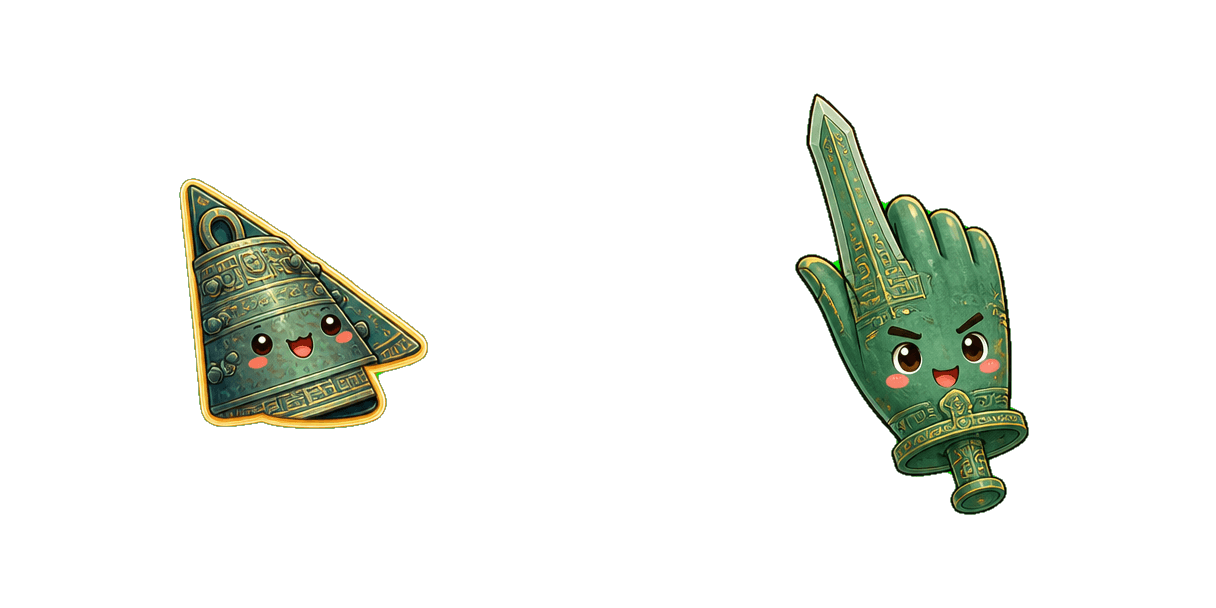
Free Ancient Bronze Bell custom cursor - cute bronze bell pointer, darkened rim.

Free Ancient Bronze Sword custom cursor - cute bronze sword pointer, darkened rim.

Free Ancient Jade Seal custom cursor - cute jade seal pointer, darkened rim.
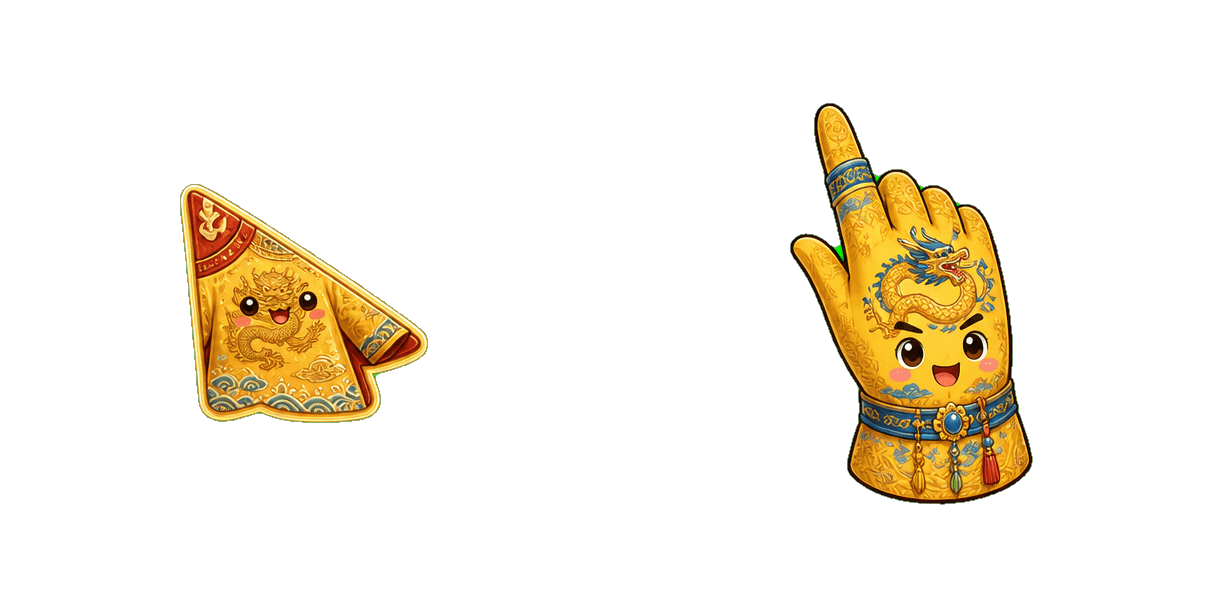
Free Imperial Dragon Robe custom cursor - cute dragon robe pointer, darkened rim.

Free Emperor Crown custom cursor - cute emperor crown pointer, darkened rim.

Free Palace Scroll custom cursor - cute palace scroll pointer, darkened rim.

Free Silk Road Map custom cursor - cute silk road scroll pointer, darkened rim.

Free Hukou Waterfall custom cursor - cute yellow falls pointer, darkened rim.
Hit the 'Add to Browser' button to get the 'Hukou Waterfall' pack.
On the Chrome Web Store, smash that ‘Add to Chrome’ button and confirm.
Pro-tip: Pin the 'Cute Cursors' extension to your toolbar for quick access.
Open the extension, find the 'Hukou Waterfall' pack, and click to activate. Easy peasy!
Our universe of cursors is huge. Dive into hundreds of unique collections and find the one that truly represents you.
Explore All Collections
Установите его бесплатно прямо сейчас из официального Chrome Web Store
Idle
{
  "status": "idle"
}