


Курсор пак Pusheen: Sweet Tooth
Pusheen: Sweet Tooth: soft cute cursor в удобном кастомном курсор-паке.
Pusheen Working and Resting on a Laptop cursor with a character pointer - free dark outline custom cursor.
Try this cursor
Move across the preview to feel both cursor styles.

Desk-mode Pusheen: Working and Resting on a Laptop as a soft cursor with a character pointer. The Pusheen Working and Resting on a Laptop cute cursor is a free custom cursor for Chrome and Edge, and it also works on Windows 10/11 through the Custom Cursor app.
Cozy gray Pusheen desk palette with dark outline. Works in Chrome, Edge, and the Windows Custom Cursor app. It is fan-made cursor art with no official affiliation.
Get the Pusheen Working and Resting on a Laptop cursor free.
Explore other cursor packs from our collection
Pusheen: Sweet Tooth: soft cute cursor в удобном кастомном курсор-паке.
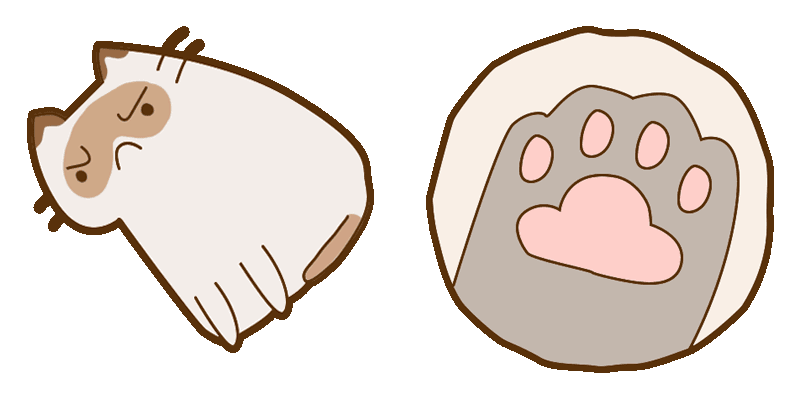
Выбери Pusheen: is upset - cute cursor и кастомный курсор без лишнего шума.

Pusheen: Pikachu custom cursor пак с милым курсором для фанатов темы.

Милый курсор Pusheen: Cupid освежит клики - free custom cursor для ПК.

Pusheen: Mermaid - кастомный курсор и cute cursor для браузера.

Добавь Pusheen: Walks к мыши - cute cursor и кастомный курсор бесплатно.

Милый курсор Pusheen: Cook - бесплатный кастомный курсор для рабочего стола.

Pusheen: Crocodile: soft cute cursor в удобном кастомном курсор-паке.

Pusheen Working and Resting on a Laptop cursor with a character pointer - free dark outline custom cursor.
Hit the 'Add to Browser' button to get the 'Pusheen Working and Resting on a Laptop' pack.
On the Chrome Web Store, smash that ‘Add to Chrome’ button and confirm.
Pro-tip: Pin the 'Cute Cursors' extension to your toolbar for quick access.
Open the extension, find the 'Pusheen Working and Resting on a Laptop' pack, and click to activate. Easy peasy!
Our universe of cursors is huge. Dive into hundreds of unique collections and find the one that truly represents you.
Explore All Collections
Idle
{
  "status": "idle"
}