

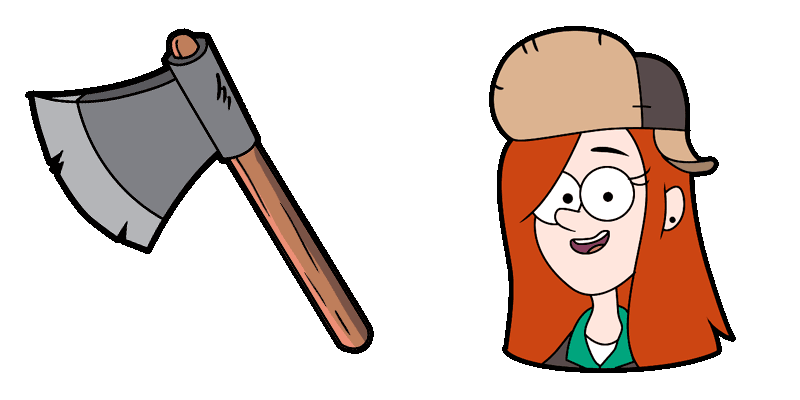
Курсор пак Wendy Blerble Corduroy
Попробуй Wendy Blerble Corduroy: милый курсор пак и готовые custom cursors.
Выбери Gravity Falls Shmebulock & Gnome Throwing Up Rainbow - cute cursor и кастомный курсор без лишнего шума.
Try this cursor
Move across the preview to feel both cursor styles.

Explore other cursor packs from our collection
Попробуй Wendy Blerble Corduroy: милый курсор пак и готовые custom cursors.

Mason «Dipper» Pines курсоры: милый курсор и кастомный курсор в одном сете.
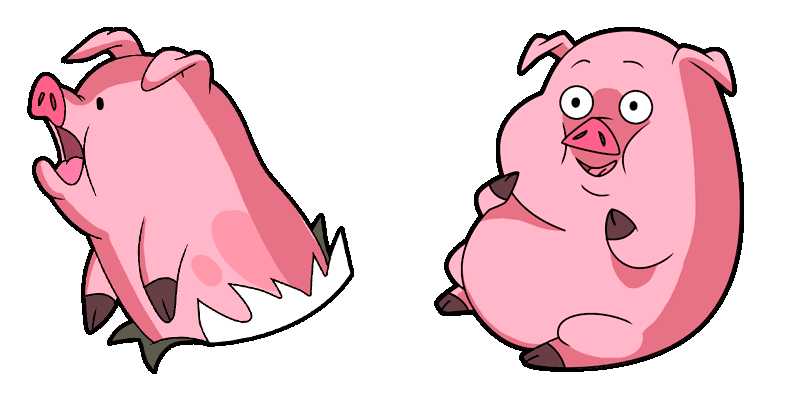
Скачай Waddles: cute cursor и кастомный курсор для ежедневных кликов.

Попробуй Форд Пийнс: милый курсор пак и готовые custom cursors.

Mabel Pines курсоры: милый курсор и кастомный курсор в одном сете.
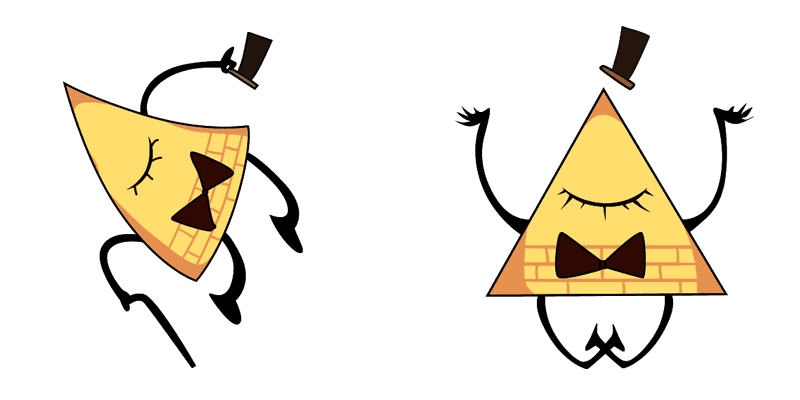
Добавь Bill Cipher к мыши - cute cursor и кастомный курсор бесплатно.

Old Man McGucket - милый курсор пак и кастомный курсор для браузера и Windows.
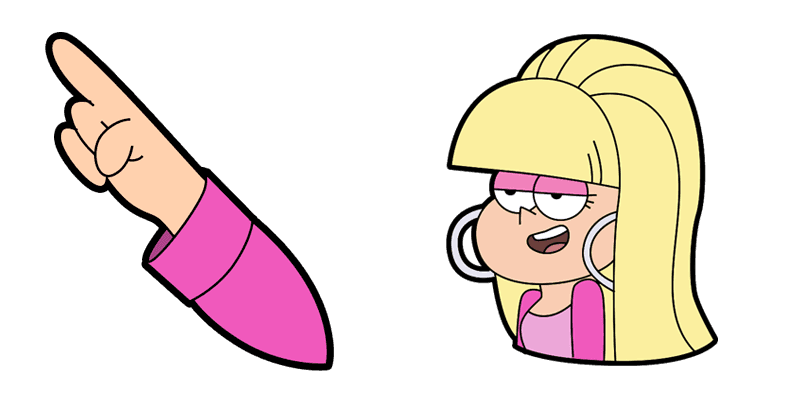
Попробуй Тихоокеанский северо-запад: милый курсор пак и готовые custom cursors.

Выбери Gravity Falls Shmebulock & Gnome Throwing Up Rainbow - cute cursor и кастомный курсор без лишнего шума.
Hit the 'Add to Browser' button to get the 'Gravity Falls Shmebulock & Gnome Throwing Up Rainbow' pack.
On the Chrome Web Store, smash that ‘Add to Chrome’ button and confirm.
Pro-tip: Pin the 'Cute Cursors' extension to your toolbar for quick access.
Open the extension, find the 'Gravity Falls Shmebulock & Gnome Throwing Up Rainbow' pack, and click to activate. Easy peasy!
Our universe of cursors is huge. Dive into hundreds of unique collections and find the one that truly represents you.
Explore All Collections
Установите его бесплатно прямо сейчас из официального Chrome Web Store
Idle
{
  "status": "idle"
}