Download Chrome extension

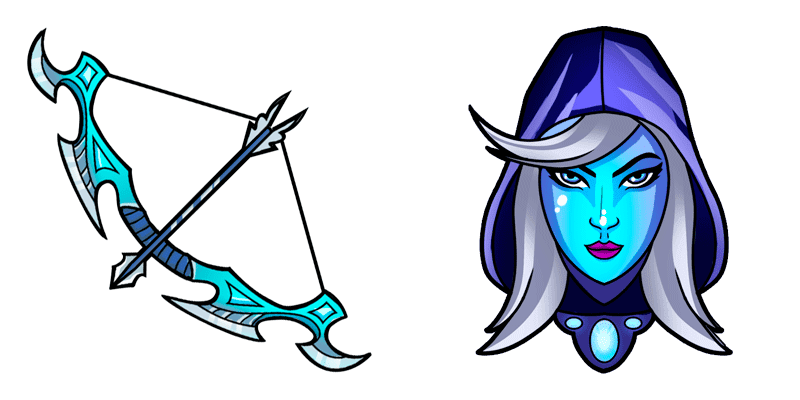
Дроу рейнджер cursor

Милый курсор Дроу рейнджер освежит клики - free custom cursor для ПК.

Try this cursor

Move across the preview to feel both cursor styles.

Дроу рейнджер cute cursor pack preview
Hover these
Auto · default + hover
61
Курсор Drow Ranger от Cursors Collection добавляет ощущение элегантности вашему опыту просмотра веб-сайта. Этот курсор включает в себя символическую темно-синюю и белую цветовую схему героя Drow Ranger из популярной игры Dota 2. Курсор гладкий и отзывчивый, обеспечивая бесшумный опыт просмотра веб-сайта. Независимо от того, являетесь ли вы игроком или просто поклонником героя Drow Ranger, этот курсор является обязательным для вашего браузера. Он легко устанавливается и работает со всеми основными веб-браузерами, поэтому вы можете начать использовать его сразу.Найдите еще больше крутых курсор паков в коллекции Games, к которой относится и этот курсор пак Дроу рейнджер.

You may also like

Explore other cursor packs from our collection

Пакет курсоров Гирокоптер

Курсор пак Гирокоптер

Милый курсор Гирокоптер освежит клики - free custom cursor для ПК.

Открыть
Пакет курсоров Ветерник

Курсор пак Ветерник

Ветерник custom cursor пак с милым курсором для фанатов темы.

Открыть
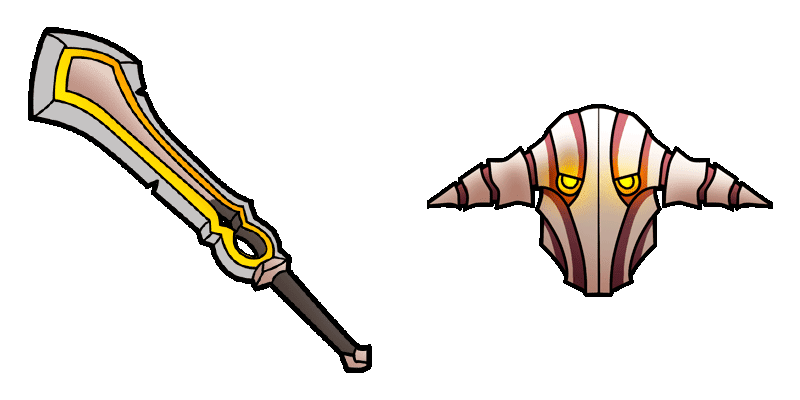
Пакет курсоров Witch Doctor

Курсор пак Witch Doctor

Witch Doctor cursor - bright cute buddy with a Death Ward Staff pointing hand.

Открыть
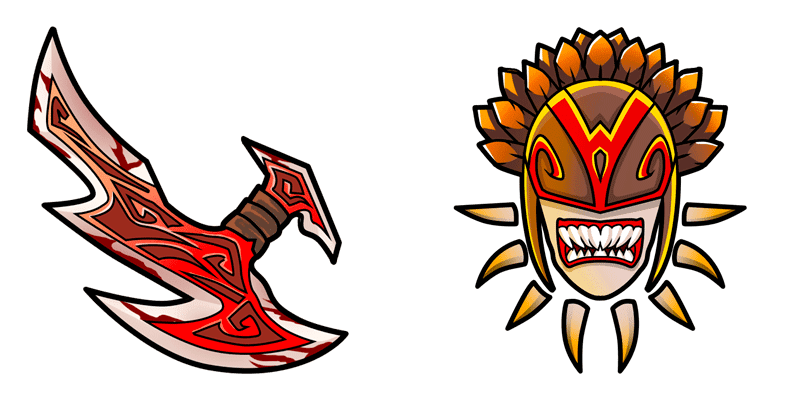
Пакет курсоров Pugna

Курсор пак Pugna

Pugna cursor - bright cute buddy with a Nether Wand pointing hand.

Открыть
Пакет курсоров Dota 2 Ember Spirit

Курсор пак Dota 2 Ember Spirit

Dota 2 Ember Spirit cursor - minimal flat buddy with a themed Flaming Blade pointer.

Открыть
Пакет курсоров Weaver Dota 2

Курсор пак Weaver Dota 2

Weaver Dota 2 cursor - bright buddy with a themed Web Soft pointer.

Открыть
Пакет курсоров Dawnbreaker

Курсор пак Dawnbreaker

Dawnbreaker cursor with a celestial-hammer pointer - bring the dawn to every click.

Открыть
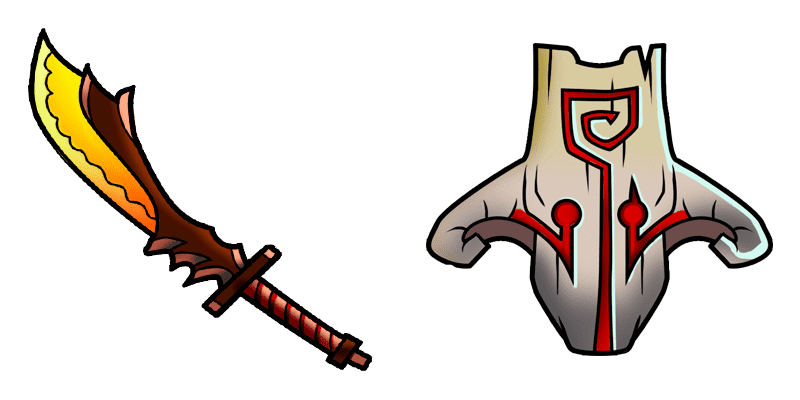
Пакет курсоров Templar Assassin

Курсор пак Templar Assassin

Добавь Templar Assassin к мыши - cute cursor и кастомный курсор бесплатно.
Открыть

How to Install Дроу рейнджер

How to Install cursor Дроу рейнджер for Chrome

Дроу рейнджер preview

Дроу рейнджер

Милый курсор Дроу рейнджер освежит клики - free custom cursor для ПК.

  1. 1
    Go to Chrome Web Store

    Hit the 'Add to Browser' button to get the 'Дроу рейнджер' pack.

  2. 2
    Add the Extension

    On the Chrome Web Store, smash that ‘Add to Chrome’ button and confirm.

  3. 3
    Pin for Easy Access

    Pro-tip: Pin the 'Cute Cursors' extension to your toolbar for quick access.

  4. 4
    Activate Your Cursor

    Open the extension, find the 'Дроу рейнджер' pack, and click to activate. Easy peasy!

Piece of cake, right? Go on and have fun!

Didn't Find Your Vibe?

Our universe of cursors is huge. Dive into hundreds of unique collections and find the one that truly represents you.

Explore All Collections