Download Chrome extension

Медведь cursor

Медведь курсор пак с милым курсором для Chrome, Edge и Windows.

Try this cursor

Move across the preview to feel both cursor styles.

Медведь cute cursor pack preview
Hover these
Auto · default + hover
170
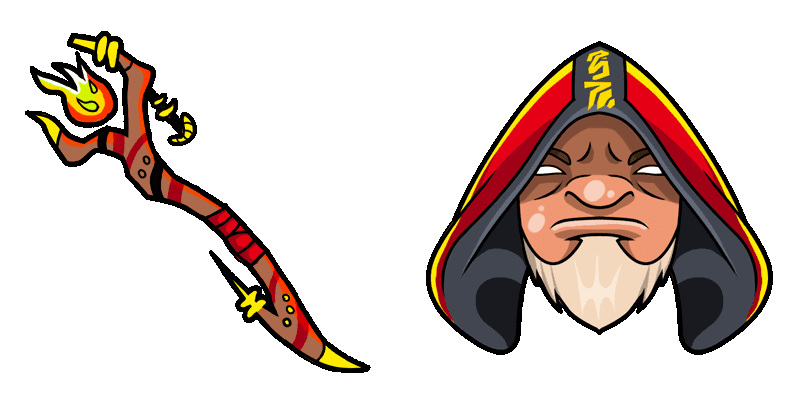
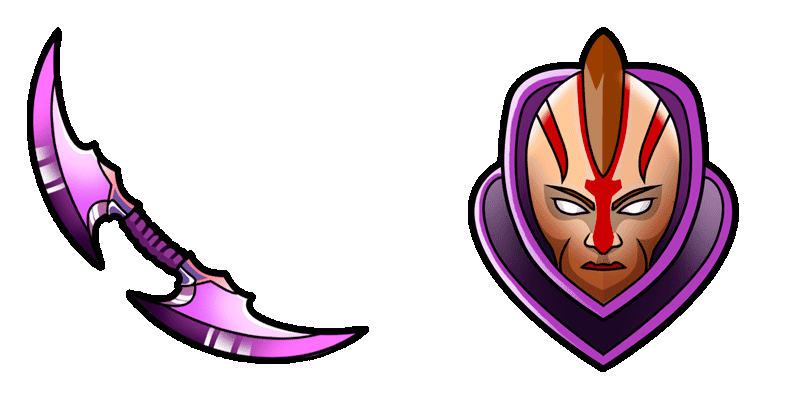
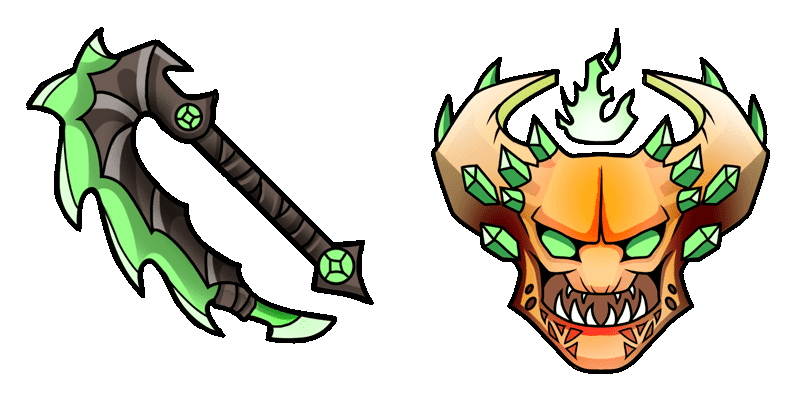
Курсор Ursa из коллекции DOTA 2 Cursor является очень детальным и визуально привлекательным курсором для вашего браузера. С ярким и мощным персонажем Ursa из DOTA 2, этот курсор идеально подходит для любителей игры, которые хотят добавить ощущение своего любимого героя в свой опыт просмотра. С его потрясающим произведением искусства и плавными анимациями, курсор Ursa наверняка впечатлит и улучшит ваш общий опыт просмотра.Этот курсор пак - лишь часть коллекции DOTA 2, которая предлагает еще больше вариантов.

You may also like

Explore other cursor packs from our collection

Пакет курсоров Dota 2 Ember Spirit

Курсор пак Dota 2 Ember Spirit

Dota 2 Ember Spirit cursor - minimal flat buddy with a themed Flaming Blade pointer.

Открыть
Пакет курсоров Dota 2 Enchantress

Курсор пак Dota 2 Enchantress

Dota 2 Enchantress cursor - minimal flat buddy with a themed Enchanted Spear pointer.

Открыть
Пакет курсоров Dota 2 Gyrocopter

Курсор пак Dota 2 Gyrocopter

Dota 2 Gyrocopter cursor - kawaii pastel buddy with a themed Homing Missile pointer.

Открыть
Пакет курсоров Dota 2 Hoodwink

Курсор пак Dota 2 Hoodwink

Dota 2 Hoodwink cursor - kawaii pastel buddy with a themed Crossbow Bolt pointer.

Открыть
Пакет курсоров Dota 2 Huskar

Курсор пак Dota 2 Huskar

Dota 2 Huskar cursor - kawaii pastel buddy with a themed Burning Spear pointer.

Открыть
Пакет курсоров Dota 2 Invoker

Курсор пак Dota 2 Invoker

Dota 2 Invoker cursor - kawaii pastel buddy with a themed Exort Orb pointer.

Открыть
Пакет курсоров Dota 2 Io

Курсор пак Dota 2 Io

Dota 2 Io cursor - kawaii pastel buddy with a themed Tether Orb pointer.

Открыть
Пакет курсоров Dota 2 Jakiro

Курсор пак Dota 2 Jakiro

Dota 2 Jakiro cursor - kawaii pastel buddy with a themed Fire and Ice Flame pointer.

Открыть

How to Install Медведь

How to Install cursor Медведь for Chrome

Медведь preview

Медведь

Медведь курсор пак с милым курсором для Chrome, Edge и Windows.

  1. 1
    Go to Chrome Web Store

    Hit the 'Add to Browser' button to get the 'Медведь' pack.

  2. 2
    Add the Extension

    On the Chrome Web Store, smash that ‘Add to Chrome’ button and confirm.

  3. 3
    Pin for Easy Access

    Pro-tip: Pin the 'Cute Cursors' extension to your toolbar for quick access.

  4. 4
    Activate Your Cursor

    Open the extension, find the 'Медведь' pack, and click to activate. Easy peasy!

Piece of cake, right? Go on and have fun!

Didn't Find Your Vibe?

Our universe of cursors is huge. Dive into hundreds of unique collections and find the one that truly represents you.

Explore All Collections