


Pack de cursores WALL-E Eva
WALL-E Eva - custom cursor cute para fans que quieren un pointer nuevo.
Install the Pixar Race Car cute cursor - free custom cursor packed with vibe.
Try this cursor
Move across the preview to feel both cursor styles.

Keep the adventure going with Pixar Race Car, a bold cute cursor that turns browsing into a mini short. This free custom cursor pack runs in Chrome and Edge, plus Windows 10/11 through Custom Cursor when you want it beyond the browser.
Compact shading keeps Pixar Race Car easy to track at small pointer sizes. This is fan-made custom cursor art and is not an official Pixar release.
Round out your set with the Pixar Robot Cursor Pack, the Up Cursor Pack, and the Joe Gardner Cursor Pack.
Pick up Pixar Race Car and let a little movie spirit ride your mouse.
Explore other cursor packs from our collection
WALL-E Eva - custom cursor cute para fans que quieren un pointer nuevo.

Descarga Monstruos, Inc - custom cursor adorable para Chrome, Edge y Windows.
Prueba Encuentro con Nemo - cursor personalizado y cute cursor para el navegador.
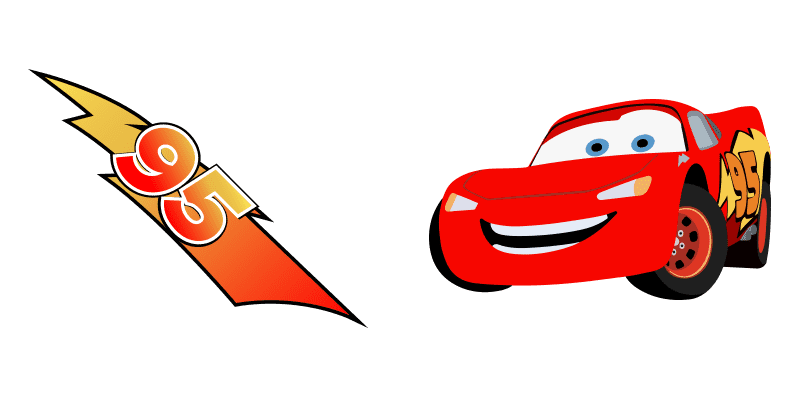
Descarga Los coches - custom cursor adorable para Chrome, Edge y Windows.

Prueba Toy Historia - cursor personalizado y cute cursor para el navegador.

arriba: cursores cute y custom cursor sin complicaciones.

Descarga El Sheriff Woody - custom cursor adorable para Chrome, Edge y Windows.

Hombre y Wade trae un cute cursor en un pack de cursor personalizado.

Install the Pixar Race Car cute cursor - free custom cursor packed with vibe.
Hit the 'Add to Browser' button to get the 'Pixar Race Car' pack.
On the Chrome Web Store, smash that ‘Add to Chrome’ button and confirm.
Pro-tip: Pin the 'Cute Cursors' extension to your toolbar for quick access.
Open the extension, find the 'Pixar Race Car' pack, and click to activate. Easy peasy!
Our universe of cursors is huge. Dive into hundreds of unique collections and find the one that truly represents you.
Explore All Collections
Instálalo ahora desde la Chrome Web Store oficial
Idle
{
  "status": "idle"
}