


Pack de cursores Brook
Pack Brook con cute cursor y cursor personalizado listo para usar.
One Piece Treasure Cruise cursor with Pirate Treasure pointer - free dark outline custom cursor.
Try this cursor
Move across the preview to feel both cursor styles.

Set sail through the web with a straw-hat pirate buddy arrow and a gleaming Pirate Treasure pointing hand in gold, red, and ocean blue. The One Piece Treasure Cruise cute cursor is a free custom cursor for Chrome and Edge, and it also works on Windows 10/11 through the Custom Cursor app.
Cute darkened-rim stickers work in Chrome, Edge, and the Windows Custom Cursor app. It is fan-made cursor art with no official affiliation.
Install the One Piece Treasure Cruise cursor and hunt treasure on every page.
Explore other cursor packs from our collection
Pack Brook con cute cursor y cursor personalizado listo para usar.

Portgas D. Ace - custom cursor cute para fans que quieren un pointer nuevo.

Cursor pack UTA con estilo cute cursor para el día a día.
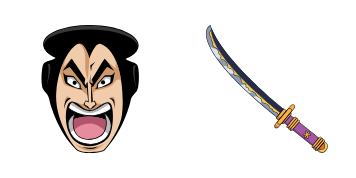
Kozuki Oden - custom cursor cute para fans que quieren un pointer nuevo.
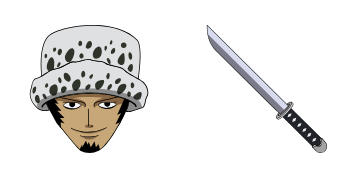
Trafalgar D. Ley del Agua cursor pack: un cute cursor fresco para cada clic.
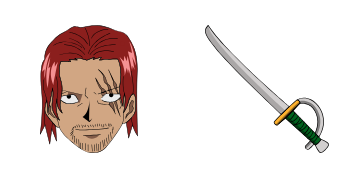
Añade Shanks a tu ratón - cute cursor y custom cursor gratis.

Prueba Charlotte Katakuri - cursor personalizado y cute cursor para el navegador.
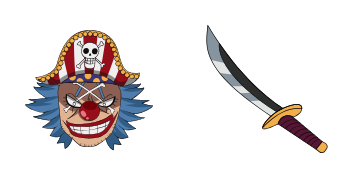
Buggy: cute cursor pack y cursor personalizado gratis para el escritorio.

One Piece Treasure Cruise cursor with Pirate Treasure pointer - free dark outline custom cursor.
Hit the 'Add to Browser' button to get the 'One Piece Treasure Cruise' pack.
On the Chrome Web Store, smash that ‘Add to Chrome’ button and confirm.
Pro-tip: Pin the 'Cute Cursors' extension to your toolbar for quick access.
Open the extension, find the 'One Piece Treasure Cruise' pack, and click to activate. Easy peasy!
Our universe of cursors is huge. Dive into hundreds of unique collections and find the one that truly represents you.
Explore All Collections
Idle
{
  "status": "idle"
}