

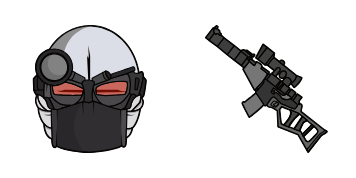
Pack de cursores 2Mujeres
Prueba 2Mujeres - cursor personalizado y cute cursor para el navegador.
Stick Hammer: cute cursor pack and free custom cursor for Madness lovers.
Try this cursor
Move across the preview to feel both cursor styles.

Guide every click with Stick Hammer, a playful cute cursor for Madness Combat fans. Use this free custom cursor in Chrome and Edge, and on Windows 10/11 via Custom Cursor for a matching pointer on the desktop.
Rounded, tidy details keep Stick Hammer clear without crowding the pointer. Fan-made artwork celebrating Nevada stick fights - not official merchandise.
Round out your set with the Stick Kick Cursor Pack, the Hank J. Wimbleton Cursor Pack, and the Deimos Cursor Pack.
Grab the Stick Hammer cursor and bring stick combat fun to every scroll.
Explore other cursor packs from our collection
Prueba 2Mujeres - cursor personalizado y cute cursor para el navegador.
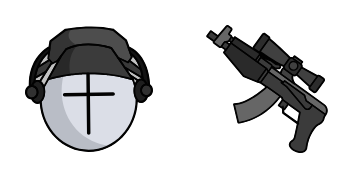
Pack Deimos con cute cursor y cursor personalizado listo para usar.
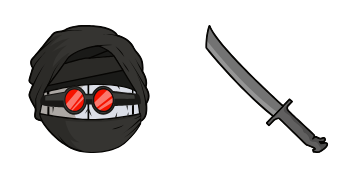
por Hank J. Wimbleton trae un cute cursor en un pack de cursor personalizado.
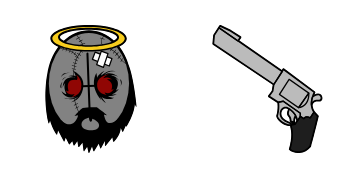
Pack Fuego con cute cursor y cursor personalizado listo para usar.

Cursor pack Sanford con estilo cute cursor para el día a día.

Install the Stick Fire Fist cute cursor - free custom cursor packed with vibe.

Stick Blue Fist cute cursor for fans - free custom cursor with Nevada charm.

Stick Purple Leap cute cursor download - free custom cursor for everyday clicks.

Stick Hammer: cute cursor pack and free custom cursor for Madness lovers.
Hit the 'Add to Browser' button to get the 'Stick Hammer' pack.
On the Chrome Web Store, smash that ‘Add to Chrome’ button and confirm.
Pro-tip: Pin the 'Cute Cursors' extension to your toolbar for quick access.
Open the extension, find the 'Stick Hammer' pack, and click to activate. Easy peasy!
Our universe of cursors is huge. Dive into hundreds of unique collections and find the one that truly represents you.
Explore All Collections
Instálalo ahora desde la Chrome Web Store oficial
Idle
{
  "status": "idle"
}