

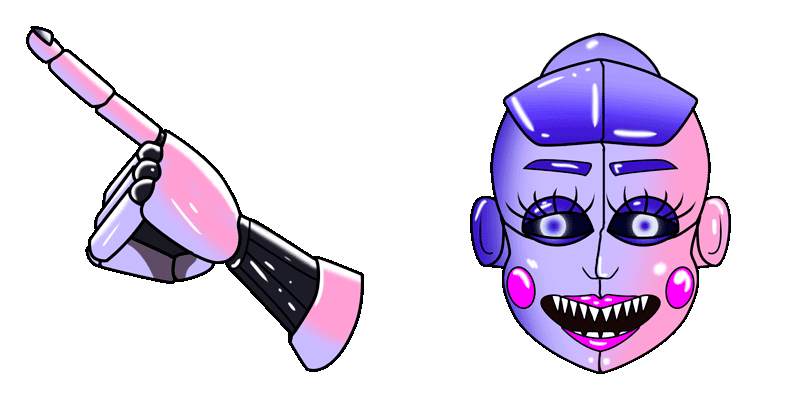
Pack de cursores Ballón
Añade Ballón a tu ratón - cute cursor y custom cursor gratis.
Lolbit: cute cursor pack y cursor personalizado gratis para el escritorio.
Try this cursor
Move across the preview to feel both cursor styles.

Explore other cursor packs from our collection
Añade Ballón a tu ratón - cute cursor y custom cursor gratis.

Ballón: cute cursor pack y cursor personalizado gratis para el escritorio.
Descarga Ballón - custom cursor adorable para Chrome, Edge y Windows.
Añade El bidibab a tu ratón - cute cursor y custom cursor gratis.
Prueba La chica divertida - cursor personalizado y cute cursor para el navegador.
Funtime Foxy: cursores cute y custom cursor sin complicaciones.
Lolita: cute cursor pack y cursor personalizado gratis para el escritorio.
Descarga Bon Bon - custom cursor adorable para Chrome, Edge y Windows.

Lolbit: cute cursor pack y cursor personalizado gratis para el escritorio.
Hit the 'Add to Browser' button to get the 'Lolbit' pack.
On the Chrome Web Store, smash that ‘Add to Chrome’ button and confirm.
Pro-tip: Pin the 'Cute Cursors' extension to your toolbar for quick access.
Open the extension, find the 'Lolbit' pack, and click to activate. Easy peasy!
Our universe of cursors is huge. Dive into hundreds of unique collections and find the one that truly represents you.
Explore All Collections
Instálalo ahora desde la Chrome Web Store oficial
Idle
{
  "status": "idle"
}