Download Chrome extension

Pudge cursor

Pudge: cursores cute y custom cursor sin complicaciones.

Try this cursor

Move across the preview to feel both cursor styles.

Pudge cute cursor pack preview
Hover these
Auto · default + hover
95
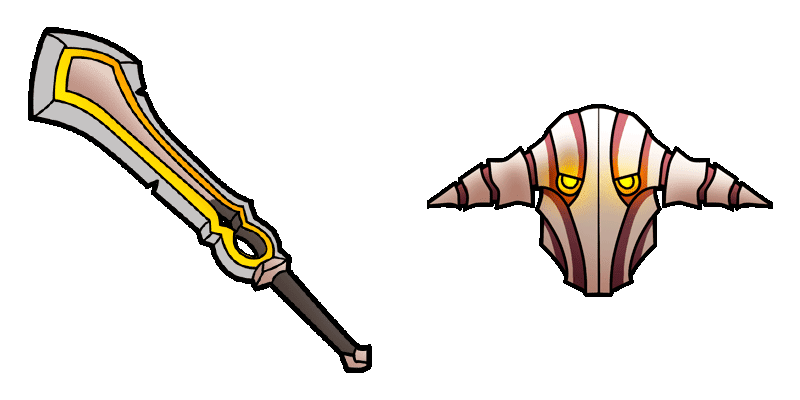
El cursor de Pudge de Cursors Collection es un must-have para cualquier fan de Dota 2. Este cursor cuenta con el infame héroe, Pudge, con su gancho de firma listo para derrocar a sus enemigos. El cursor está bien animado y transita suavemente cuando vuela sobre enlaces o botones. Es fácil de instalar y añade un toque divertido a su experiencia de navegación. Además, es completamente gratuito! Ya sea que usted sea un jugador experimentado de Dota 2 o simplemente adore el diseño del personaje de Pudge, este cursor está seguro de agradar.La colección Games ofrece aún más paquetes para todos los gustos, incluyendo Pudge.

You may also like

Explore other cursor packs from our collection

Pack de cursores Outworld Destroyer

Pack de cursores Outworld Destroyer

Outworld Destroyer cursor - bright cute buddy with a Astral Orb pointing hand.

Ver
Pack de cursores Pangolier

Pack de cursores Pangolier

Pangolier cursor - bright cute buddy with a Rapier pointing hand.

Ver
Pack de cursores Phantom Assassin

Pack de cursores Phantom Assassin

Phantom Assassin cursor - bright cute buddy with a Phantom Blade pointing hand.

Ver
Pack de cursores Phantom Lancer

Pack de cursores Phantom Lancer

Phantom Lancer cursor - bright cute buddy with a Spirit Lance pointing hand.

Ver
Pack de cursores Phoenix

Pack de cursores Phoenix

Phoenix cursor - bright cute buddy with a Fire Feather pointing hand.

Ver
Pack de cursores Primal Beast

Pack de cursores Primal Beast

Primal Beast cursor - bright cute buddy with a Primal Claw pointing hand.

Ver
Pack de cursores Puck

Pack de cursores Puck

Puck cursor - bright cute buddy with a Illusory Orb pointing hand.

Ver
Pack de cursores Pudge

Pack de cursores Pudge

Pudge cursor - bright cute buddy with a Meat Hook pointing hand.

Ver

How to Install Pudge

How to Install cursor Pudge for Chrome

Pudge preview

Pudge

Pudge: cursores cute y custom cursor sin complicaciones.

  1. 1
    Go to Chrome Web Store

    Hit the 'Add to Browser' button to get the 'Pudge' pack.

  2. 2
    Add the Extension

    On the Chrome Web Store, smash that ‘Add to Chrome’ button and confirm.

  3. 3
    Pin for Easy Access

    Pro-tip: Pin the 'Cute Cursors' extension to your toolbar for quick access.

  4. 4
    Activate Your Cursor

    Open the extension, find the 'Pudge' pack, and click to activate. Easy peasy!

Piece of cake, right? Go on and have fun!

Didn't Find Your Vibe?

Our universe of cursors is huge. Dive into hundreds of unique collections and find the one that truly represents you.

Explore All Collections