


Noelle cursor
Noelle cute cursor - free custom cursor with maid-knight Geo heart.
Lisa Minci cute cursor - free custom cursor with lazy Electro librarian charm.
Try this cursor
Move across the preview to feel both cursor styles.

Library calm with a spark: Lisa Minci is a cozy cute cursor for fans of soft Electro wit. This free custom cursor pack fits Chrome and Edge, plus Windows 10/11 Custom Cursor when you want the same look outside the browser.
Warm purple tones keep the tip friendly and clear. Fan-made only - not an official HoYoverse release.
More Knights energy waits in the Jean Cursor Pack, the Kaeya Cursor Pack, and the Sucrose Cursor Pack.
Download Lisa and let a lazy smile follow every click.
Explore other cursor packs from our collection
Noelle cute cursor - free custom cursor with maid-knight Geo heart.
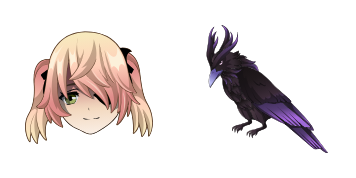
Fischl cute cursor - free custom cursor with Prinzessin Oz drama.
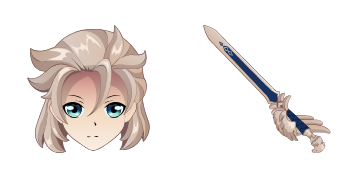
Albedo cute cursor set - free custom cursor with chalk-alchemy calm.
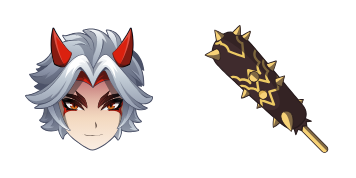
Arataki Itto cute cursor - free custom cursor with oni gang swagger.
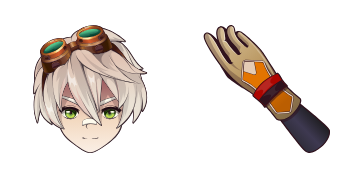
Bennett cute cursor pack - free custom cursor with lucky adventure spark.

Diluc cute cursor pack - free custom cursor with dark-wine Pyro edge.
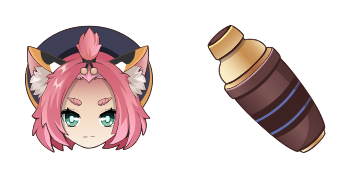
Diona cute cursor set - free custom cursor with Cat's Tail cocktail charm.

Eula cute cursor pack - free custom cursor with Spindrift vengeance flair.

Lisa Minci cute cursor - free custom cursor with lazy Electro librarian charm.
Hit the 'Add to Browser' button to get the 'Lisa Minci' pack.
On the Chrome Web Store, smash that ‘Add to Chrome’ button and confirm.
Pro-tip: Pin the 'Cute Cursors' extension to your toolbar for quick access.
Open the extension, find the 'Lisa Minci' pack, and click to activate. Easy peasy!
Our universe of cursors is huge. Dive into hundreds of unique collections and find the one that truly represents you.
Explore All Collections
Install it now for free from the official Chrome Web Store
Idle
{
  "status": "idle"
}