

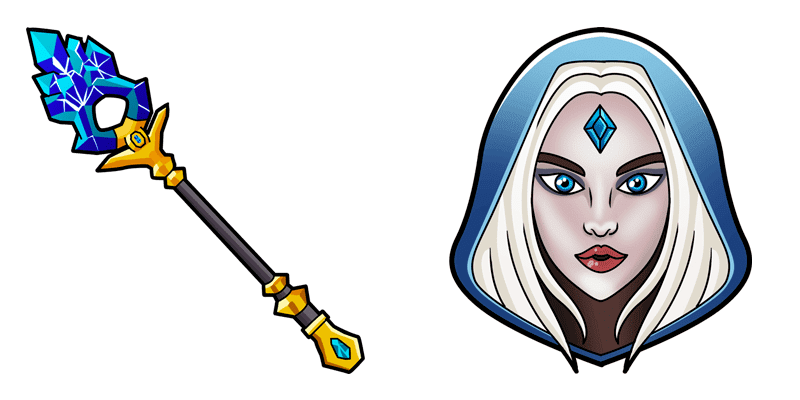
Templar Assassin cursor
Crystal Maiden cute cursor pack - free custom cursor with frosty aura charm.
Gyrocopter cute cursor set - free custom cursor with call-down spark.
Try this cursor
Move across the preview to feel both cursor styles.

Call-down spark for everyday tabs: this Gyrocopter cute cursor keeps browsing loud and light. Grab this free custom cursor for Chrome and Edge, plus Windows 10/11 through Custom Cursor when you want the same look beyond the browser.
Rounded shapes stay friendly so the tip never feels muddy. Fan-made artwork celebrating Dota 2 vibes - not an official product.
Fly on with the Arc Warden Cursor Pack, the Invoker Cursor Pack, and the Dota 2 Games Cursor Pack.
Install Gyrocopter and tuck rocket cheer into your mouse path.
Explore other cursor packs from our collection
Crystal Maiden cute cursor pack - free custom cursor with frosty aura charm.
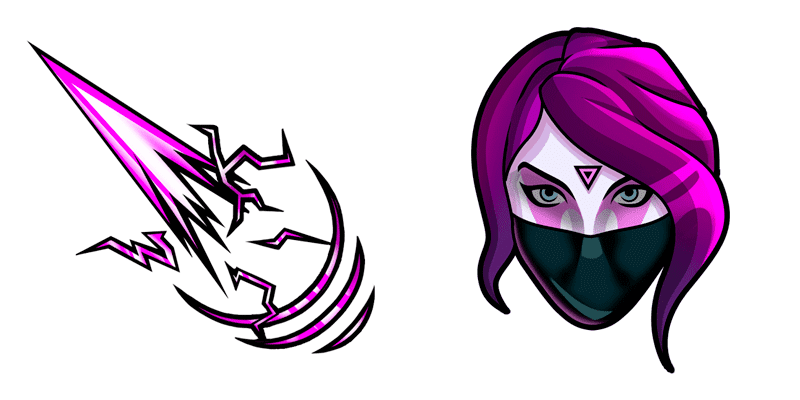
Templar Assassin cute cursor - free custom cursor with psi-blade focus.
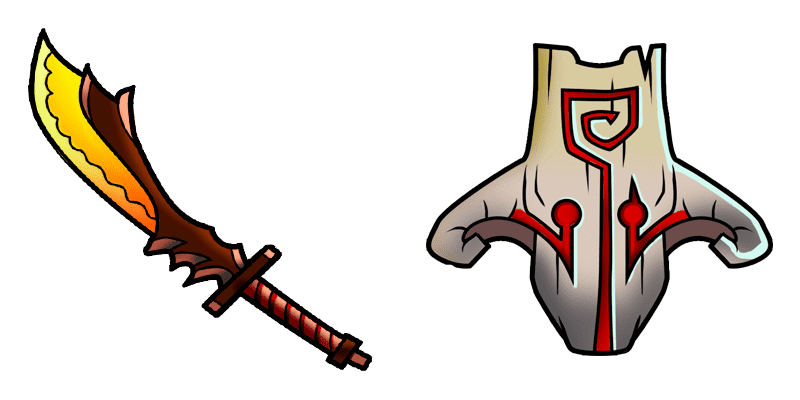
Juggernaut cute cursor pack - free custom cursor with blade-fury grit.
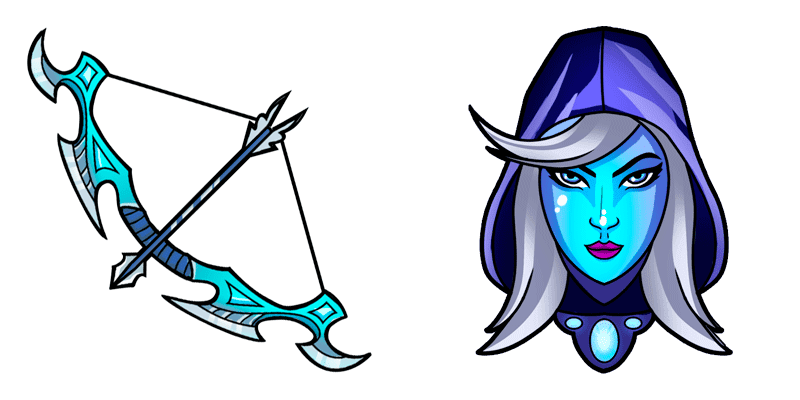
Drow Ranger cute cursor pack - free custom cursor with frost-arrow calm.
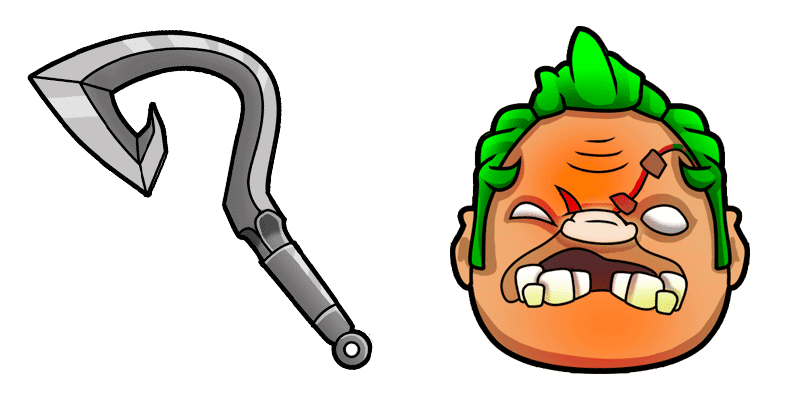
Pudge cute cursor pack - free custom cursor with hook-meatball charm.
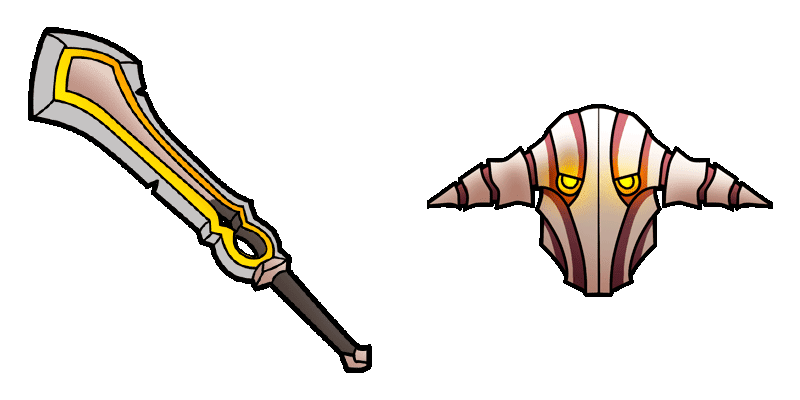
Sven cute cursor pack - free custom cursor with cleave-storm steel.
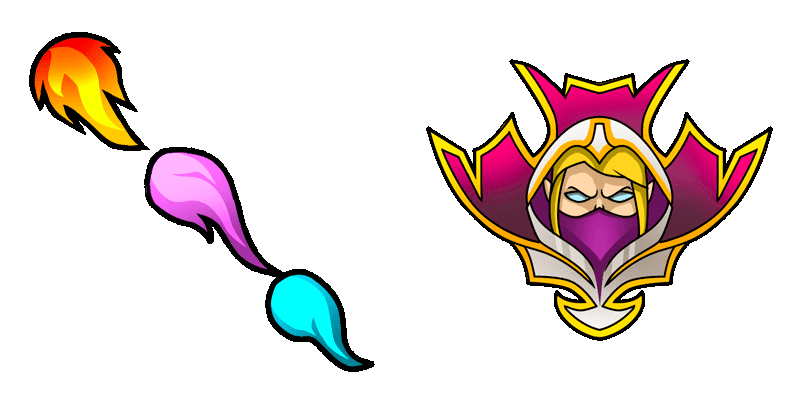
Invoker cute cursor pack - free custom cursor with orb-cast swagger.
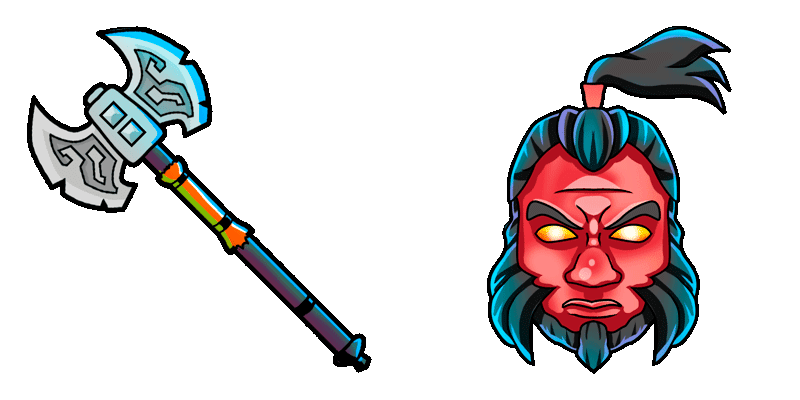
Axe cute cursor pack - free custom cursor with call-out red steel.

Gyrocopter cute cursor set - free custom cursor with call-down spark.
Hit the 'Add to Browser' button to get the 'Gyrocopter' pack.
On the Chrome Web Store, smash that ‘Add to Chrome’ button and confirm.
Pro-tip: Pin the 'Cute Cursors' extension to your toolbar for quick access.
Open the extension, find the 'Gyrocopter' pack, and click to activate. Easy peasy!
Our universe of cursors is huge. Dive into hundreds of unique collections and find the one that truly represents you.
Explore All Collections
Install it now for free from the official Chrome Web Store
Idle
{
  "status": "idle"
}