


Anti-Mage cursor
Anti-Mage cute cursor pack - free custom cursor with blink-blade grit.
Crystal Maiden cute cursor set - free custom cursor with ice-nova sparkle.
Try this cursor
Move across the preview to feel both cursor styles.

Ice-nova sparkle for everyday browsing: this Crystal Maiden cute cursor keeps the tip light and bright. Install this free custom cursor in Chrome or Edge, and on Windows 10/11 via Custom Cursor when you want soft Cryo cheer beyond the browser.
Pastel frost accents stay readable at small sizes. Fan-made only - not affiliated with any official Dota 2 brand.
Stay frosty with the Queen of Pain Cursor Pack, the Templar Assassin Cursor Pack, and the DOTA 2 Cursor Pack.
Get Crystal Maiden and tuck icy sparkle into your mouse path.
Explore other cursor packs from our collection
Anti-Mage cute cursor pack - free custom cursor with blink-blade grit.

Arc Warden cute cursor pack - free custom cursor with twin spark flair.

Ursa cute cursor pack - free custom cursor with fury swipes charm.

Omniknight cute cursor pack - free custom cursor with holy guard calm.
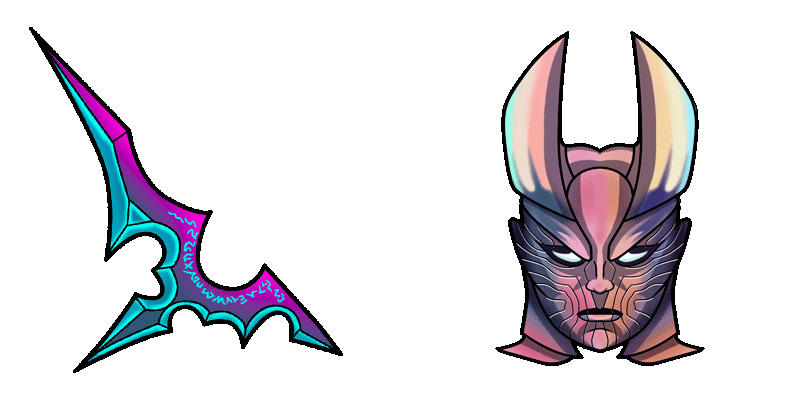
Terrorblade cute cursor pack - free custom cursor with twin-demon edge.
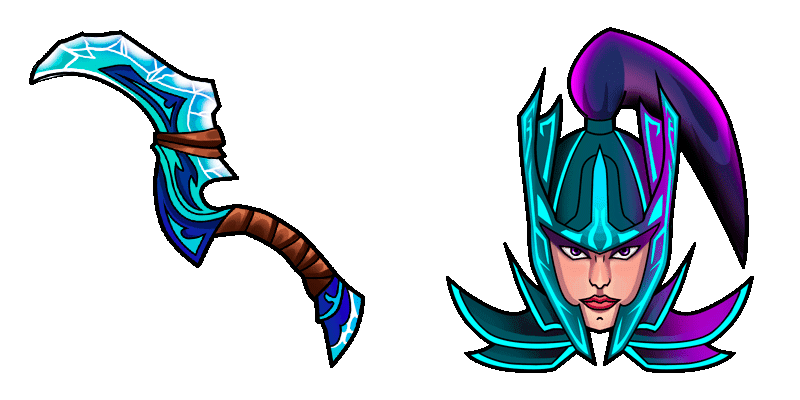
Phantom Assassin cute cursor pack - free custom cursor with blur-dagger flair.

Windranger cute cursor pack - free custom cursor with powershot breeze.

Gyrocopter cute cursor pack - free custom cursor with rocket-barrage fun.

Crystal Maiden cute cursor set - free custom cursor with ice-nova sparkle.
Hit the 'Add to Browser' button to get the 'Crystal Maiden' pack.
On the Chrome Web Store, smash that ‘Add to Chrome’ button and confirm.
Pro-tip: Pin the 'Cute Cursors' extension to your toolbar for quick access.
Open the extension, find the 'Crystal Maiden' pack, and click to activate. Easy peasy!
Our universe of cursors is huge. Dive into hundreds of unique collections and find the one that truly represents you.
Explore All Collections
Install it now for free from the official Chrome Web Store
Idle
{
  "status": "idle"
}