

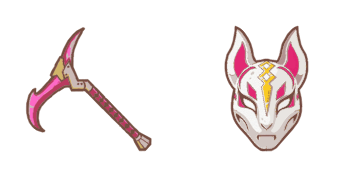
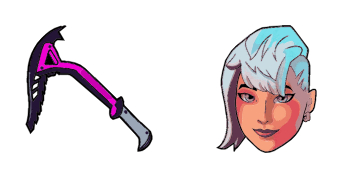
Drift Mask cursor
Drop the Drift Mask cute cursor - a free custom cursor for your desktop.
Install the Galaxy cute cursor - free custom cursor packed with vibe.
Try this cursor
Move across the preview to feel both cursor styles.

Load out your mouse with Galaxy, a bright cute cursor for everyday browsing. This free custom cursor pack runs in Chrome and Edge, plus Windows 10/11 through Custom Cursor when you want it beyond the browser.
Compact shading keeps Galaxy easy to track at small pointer sizes. This is fan-made custom cursor art and is not an official Epic Games release.
Nearby picks include the Ghoul Trooper Cursor Pack, the Hay Man Cursor Pack, and the Iris Skin Pop Cursor Pack.
Pick up Galaxy and let a little Victory Royale spirit ride your mouse.
Explore other cursor packs from our collection
Drop the Drift Mask cute cursor - a free custom cursor for your desktop.
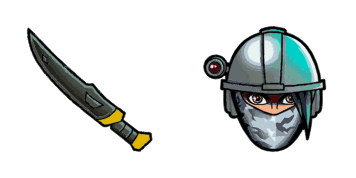
Install the Elite Agent cute cursor - free custom cursor packed with vibe.
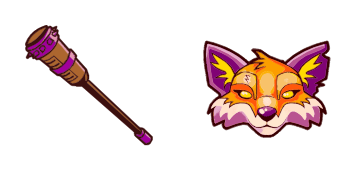
Try Fennix cute cursor - free custom cursor with clean Fortnite energy.
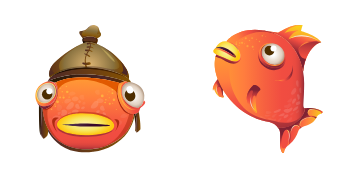
Fishstick cute cursor download - free custom cursor for everyday clicks.

Fishstick classic cute cursor - free custom cursor for Fortnite fans.

Fortnight cute cursor - free custom cursor with Fortnite island vibes.
Grab the Frosted Flurry cute cursor - a free custom cursor pack for fans.

Meet the Frozen Nog Ops cute cursor - free custom cursor ready for every click.

Install the Galaxy cute cursor - free custom cursor packed with vibe.
Hit the 'Add to Browser' button to get the 'Galaxy' pack.
On the Chrome Web Store, smash that ‘Add to Chrome’ button and confirm.
Pro-tip: Pin the 'Cute Cursors' extension to your toolbar for quick access.
Open the extension, find the 'Galaxy' pack, and click to activate. Easy peasy!
Our universe of cursors is huge. Dive into hundreds of unique collections and find the one that truly represents you.
Explore All Collections
Install it now for free from the official Chrome Web Store
Idle
{
  "status": "idle"
}