

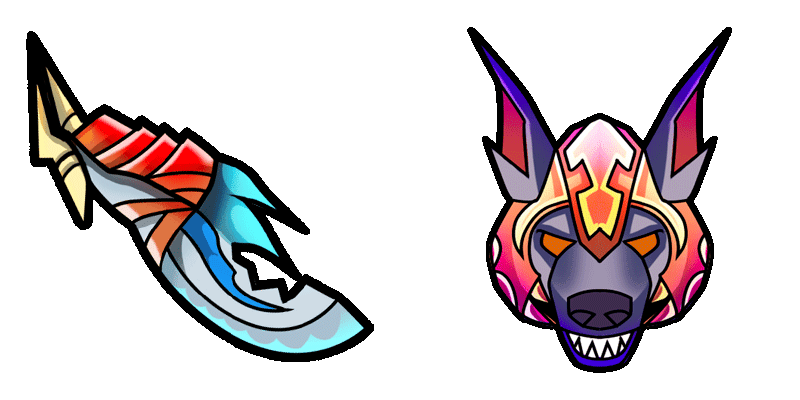
Ursa cursor
Ursa cute cursor pack - free custom cursor with fury swipes charm.
Pudge cute cursor pack - free custom cursor with hook-meatball charm.
Try this cursor
Move across the preview to feel both cursor styles.

Hook-meatball charm on your mouse: Pudge is a playful cute cursor packed with butcher grit. This free custom cursor pack fits Chrome and Edge, plus Windows 10/11 Custom Cursor when you want the same look outside the browser.
Bold outlines keep the hook form clear while you click. It is fan-made artwork celebrating Dota 2 vibes, not an official game product.
Lane neighbors include the Axe Cursor Pack, the Underlord Cursor Pack, and the DOTA 2 Cursor Pack.
Download Pudge and let a tiny hook bounce with every click.
Explore other cursor packs from our collection
Ursa cute cursor pack - free custom cursor with fury swipes charm.
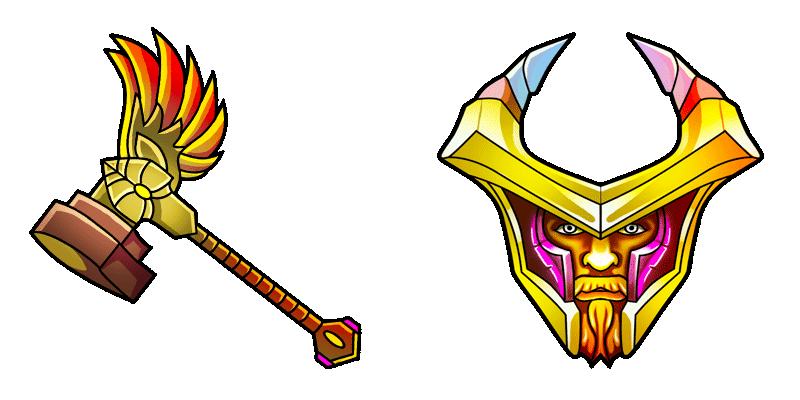
Omniknight cute cursor pack - free custom cursor with holy guard calm.
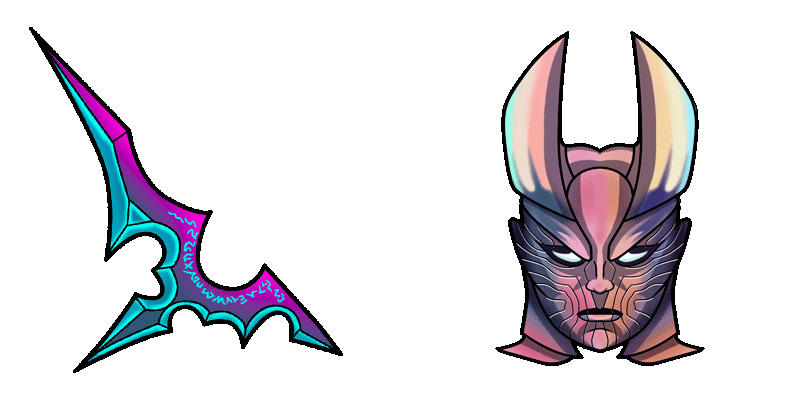
Terrorblade cute cursor pack - free custom cursor with twin-demon edge.
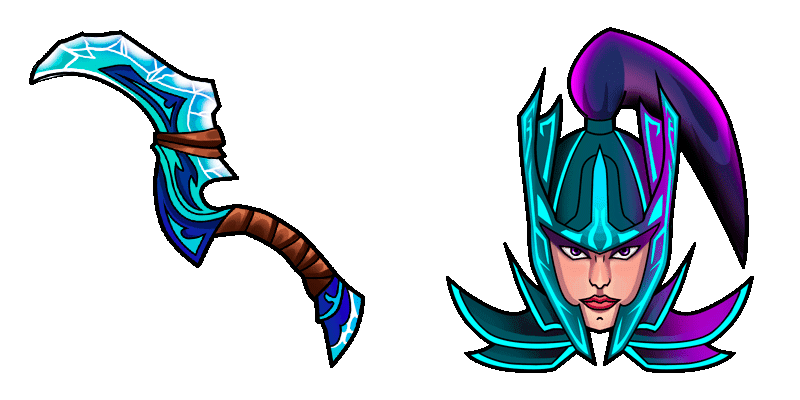
Phantom Assassin cute cursor pack - free custom cursor with blur-dagger flair.
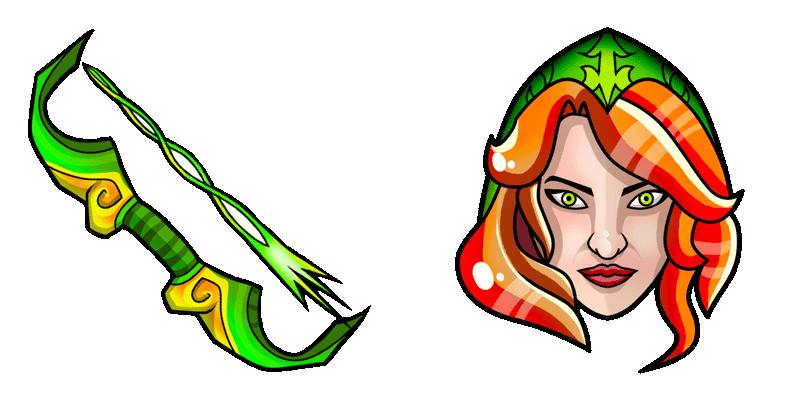
Windranger cute cursor pack - free custom cursor with powershot breeze.
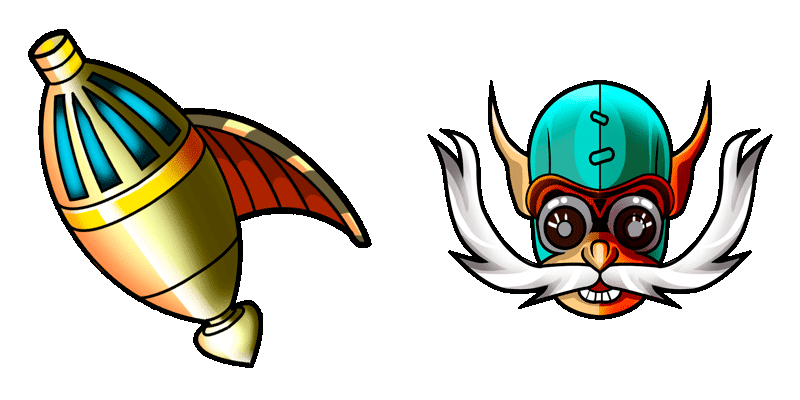
Gyrocopter cute cursor pack - free custom cursor with rocket-barrage fun.
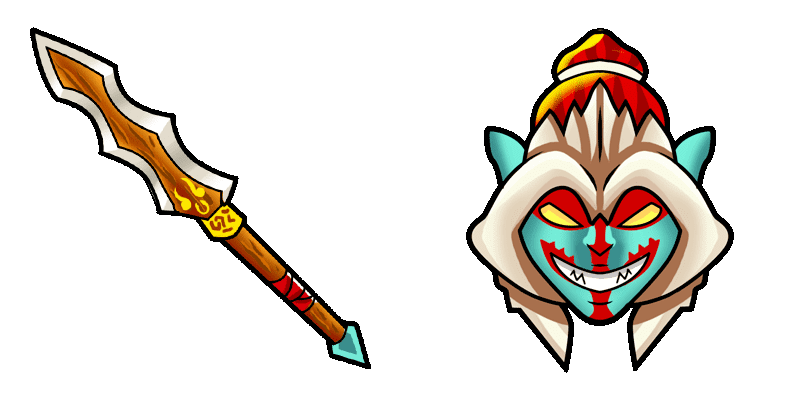
Huskar cute cursor pack - free custom cursor with life-break fire grit.
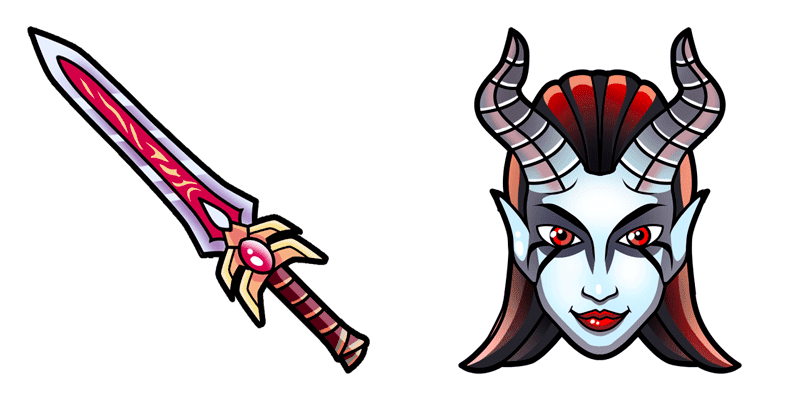
Queen of Pain cute cursor pack - free custom cursor with sonic scream edge.

Pudge cute cursor pack - free custom cursor with hook-meatball charm.
Hit the 'Add to Browser' button to get the 'Pudge' pack.
On the Chrome Web Store, smash that ‘Add to Chrome’ button and confirm.
Pro-tip: Pin the 'Cute Cursors' extension to your toolbar for quick access.
Open the extension, find the 'Pudge' pack, and click to activate. Easy peasy!
Our universe of cursors is huge. Dive into hundreds of unique collections and find the one that truly represents you.
Explore All Collections
Install it now for free from the official Chrome Web Store
Idle
{
  "status": "idle"
}