


Alien Pixel cursor
Beam down the Alien Pixel cute cursor, a free custom cursor pack with a blocky green visitor.
Unleash the Monsters Pixel cute cursor, a free custom cursor pack with a whole crew of blocky beasts.
Try this cursor
Move across the preview to feel both cursor styles.

The whole creature crew arrives: the Monsters Pixel cute cursor rotates a squad of blocky beasts through your pointer states. The Monsters Pixel cute cursor works as a free custom cursor in Chrome and Edge, plus Windows 10/11 via the Custom Cursor app.
Each monster shares one palette so the set feels cohesive in motion. It is fan-made cursor art with no official brand affiliation.
Meet the solo stars via the Monster Pixel Cursor Pack, the Alien Pixel Cursor Pack, and the Grinch Pixel Cursor Pack.
Download the Monsters Pixel cursor pack and give every pointer state its own beast.
Explore other cursor packs from our collection
Beam down the Alien Pixel cute cursor, a free custom cursor pack with a blocky green visitor.

Sus clicks ahead: the Among Us Blue Character Pixel cute cursor is a free custom cursor pack for crewmates.

Buzz along with the Bee Pixel cute cursor, a free custom cursor pack of striped 8-bit sweetness.

Cool and classic: the Default Blue Pixel cute cursor is a free custom cursor pack in crisp pixel blue.

Fresh pixels: the Default Green Pixel cute cursor is a free custom cursor pack in bright retro green.

Royal retro: the Default Purple Pixel cute cursor is a free custom cursor pack in deep pixel violet.
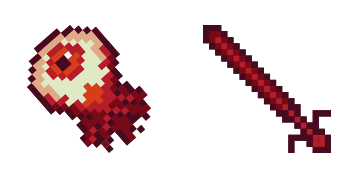
Always watching: the Eye Pixel cute cursor is a free custom cursor pack with a blinking blocky eye.
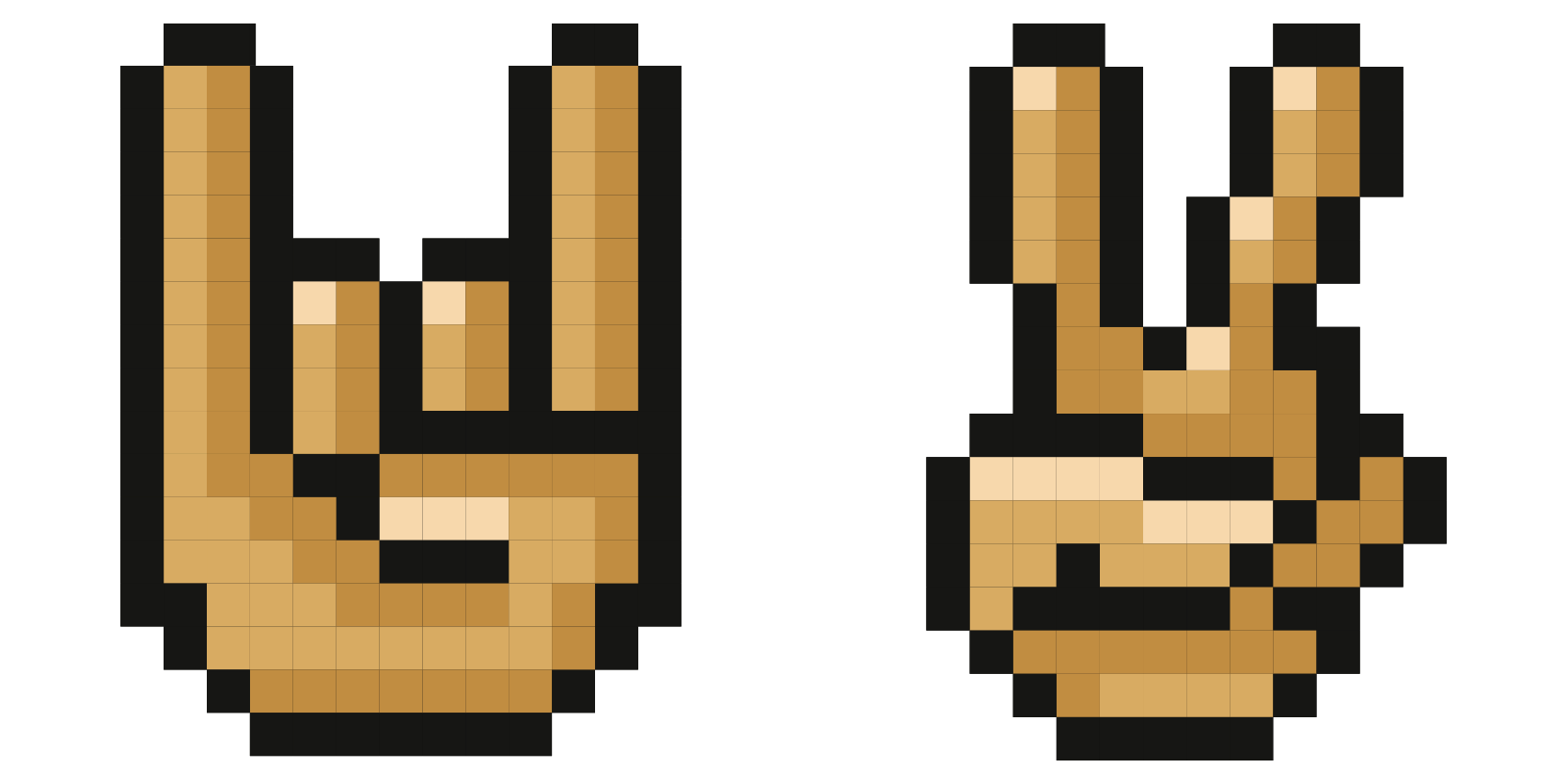
Talk with your hands: the Gestures Pixel cute cursor is a free custom cursor pack of blocky hand signs.

Unleash the Monsters Pixel cute cursor, a free custom cursor pack with a whole crew of blocky beasts.
Hit the 'Add to Browser' button to get the 'Pixel: Monsters' pack.
On the Chrome Web Store, smash that ‘Add to Chrome’ button and confirm.
Pro-tip: Pin the 'Cute Cursors' extension to your toolbar for quick access.
Open the extension, find the 'Pixel: Monsters' pack, and click to activate. Easy peasy!
Our universe of cursors is huge. Dive into hundreds of unique collections and find the one that truly represents you.
Explore All Collections
Install it now for free from the official Chrome Web Store
Idle
{
  "status": "idle"
}