Google Chrome

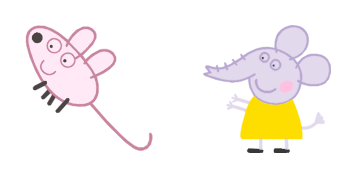
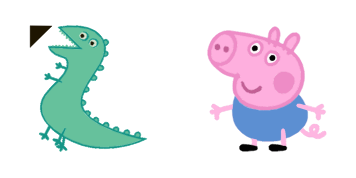
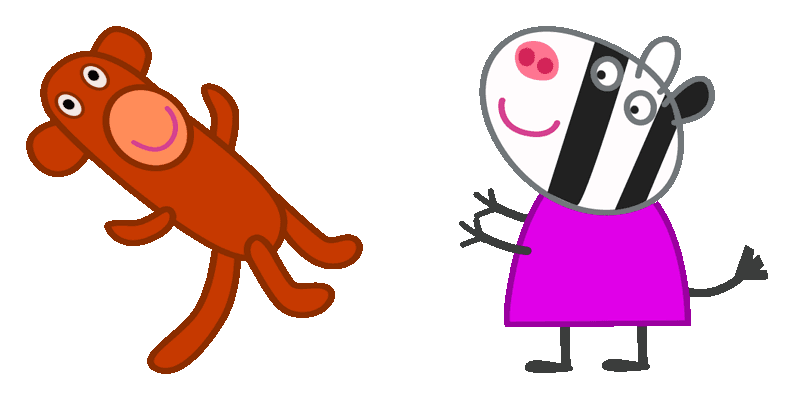
Pepa Pig custom cursor

Discover delightful Pepa Pig cursors in our Cartoons Cursor Collection for your browser and Windows 10/11 - aesthetic mouse pointers that bring joy to every click!

✨ Move your mouse to test both cursors
Arrow Cursor

Default navigation pointer

Pointer Cursor

Used for clickable elements

Hover over each side to preview both cursor styles in real-time.

1,000+

Discover "Pepa Pig": A Delightful Custom Mouse Cursor for Browsers & Windows

Welcome to our vibrant collection of custom cursors, featuring the charming and adorable "Pepa Pig" cursor! This delightful aesthetic mouse pointer is now available in our Cartoons Cursor Collection. Designed with both fun and functionality in mind, this cute and animated cursor pack adds a touch of joy to your desktop experience.

"Inspired by the beloved character from children's animation", "Pepa Pig" was crafted to bring cheer and playfulness to everyday computer use. Whether you are browsing on Chrome or Edge browser extensions, or personalizing your Windows 10/11 desktop cursor through the "Custom Cursor for Windows 11," this kawaii cursor is sure to brighten up your digital life.

Each cursor in our customizable collection exudes a stylish and unique flair, offering an array of animated cursors that not only enhance usability but also inject personality into your daily tasks. Our carefully designed "Pepa Pig" is no exception; it combines cuteness with practicality to create an engaging cursor pack that will make you smile every time you navigate through your favorite websites or applications.

This fanart.

How to Install Pepa Pig cursors

How to Install cursor Pepa Pig for Chrome

Pepa Pig preview

Pepa Pig

Discover delightful Pepa Pig cursors in our Cartoons Cursor Collection for your browser and Windows 10/11 - aesthetic mouse pointers that bring joy to every click!

  1. 1
    Go to Chrome Web Store

    Hit the 'Add to Browser' button to get the 'Pepa Pig' pack.

  2. 2
    Add the Extension

    On the Chrome Web Store, smash that ‘Add to Chrome’ button and confirm.

  3. 3
    Pin for Easy Access

    Pro-tip: Pin the 'Cute Cursors' extension to your toolbar for quick access.

  4. 4
    Activate Your Cursor

    Open the extension, find the 'Pepa Pig' pack, and click to activate. Easy peasy!

Piece of cake, right? Go on and have fun!

You may also like

Explore other cursor packs from our collection

Men in Black Agent J & Neuralyzer Custom Cursor Pack

Men in Black Agent J & Neuralyzer Free Custom Cursor Pack

Unleash a stylish cursor adventure with Men in Black Agent J & Neuralyzer for your browser and Windows 10/11 – now available!

Futurama Leela Custom Cursor Pack

Futurama Leela Free Custom Cursor Pack

Discover fun with "Futurama Leela" custom cursors - a stylish cursor pack for browsers and Windows 10/11!

American Dad Roger & Donut Custom Cursor Pack

American Dad Roger & Donut Free Custom Cursor Pack

Experience interstellar delight with our American Dad Roger & Donut cursor pack - stylish, cute cursors perfect for browsers and Windows 10/11! Join the Cartoons Cursor Collection today!

Angry Birds Red Custom Cursor Pack

Angry Birds Red Free Custom Cursor Pack

Discover the stylish cursors from Cursors Collection's "Angry Birds Red" pack - perfect for browsers & Windows 10/11 with bold detailing and signature colors that add excitement to your digital experience!

Molang Custom Cursor Pack

Molang Free Custom Cursor Pack

"Brighten up your digital life with our Molang Animation Cursor from Cartoons Cursor Collection - perfect for browsers and Windows 10/11! Add a touch of cute charm to your browsing experience."

South Park Kenny McCormick Custom Cursor Pack

South Park Kenny McCormick Free Custom Cursor Pack

Dive into your browser experience with the South Park Kenny McCormick cursor pack - a stylish blend of humor and aesthetics for Windows 10/11 devices!

Angel Tom Custom Cursor Pack

Angel Tom Free Custom Cursor Pack

Explore our "Angel Tom" custom cursors - the perfect blend of cute cat icons with wings for a delightful browsing experience on Windows 10/11!

Bojack Horseman & Flask Custom Cursor Pack

Bojack Horseman & Flask Free Custom Cursor Pack

"Experience a creative twist with our Bojack Horseman & Flask cursor pack - stylish and cute mouse pointers for browser and Windows 10/11 users."

Didn't Find Your Vibe?

Our universe of cursors is huge. Dive into hundreds of unique collections and find the one that truly represents you.

Explore All Collections