


Minion: Hades Disney Character cursor
Blue-flame grin: Minion Hades cute cursor - free custom cursor underworld fun.
Sock-friendly Minion Dobby cute cursor - free custom cursor with soft house vibes.
Try this cursor
Move across the preview to feel both cursor styles.

Big ears and gentle mischief: Minion Dobby Character brings a soft cute cursor to everyday browsing. This free custom cursor pack runs in Chrome or Edge, and works on Windows 10/11 with Custom Cursor when you want the same cozy tip outside the browser.
Rounded forms stay friendly and easy to track. Fan-made only - not affiliated with any official wizarding brand.
Cozy neighbors include the Minion Rubeus Hagrid Cursor Pack, the Minion Mad Hatter Cursor Pack, and the Bob the Minion Cursor Pack.
Install Minion Dobby and tuck a little sock-day smile into your pointer.
Explore other cursor packs from our collection
Blue-flame grin: Minion Hades cute cursor - free custom cursor underworld fun.

Arc-reactor yellow: Minion Iron Man cute cursor - free custom cursor hero pack.
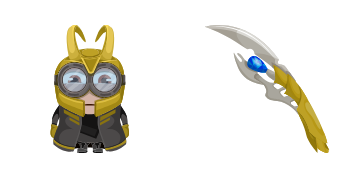
Trickster horns: Minion Loki cute cursor - free custom cursor for sly browsing.
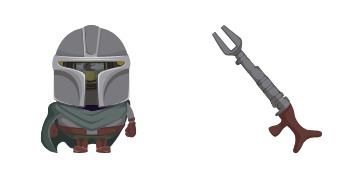
Beskar yellow: Minion Mandalorian cute cursor - free custom cursor space set.

Beard and boots: Minion Hagrid cute cursor - free custom cursor cozy giant set.

Cape and curl: Minion Superman cute cursor - free custom cursor for bright tips.
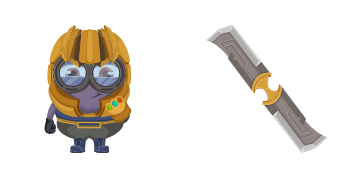
Gauntlet glow: Minion Thanos cute cursor - free custom cursor purple power set.

Whistle arrow vibes: Minion Yondu cute cursor - free custom cursor space set.

Sock-friendly Minion Dobby cute cursor - free custom cursor with soft house vibes.
Hit the 'Add to Browser' button to get the 'Minion: Dobby Character' pack.
On the Chrome Web Store, smash that ‘Add to Chrome’ button and confirm.
Pro-tip: Pin the 'Cute Cursors' extension to your toolbar for quick access.
Open the extension, find the 'Minion: Dobby Character' pack, and click to activate. Easy peasy!
Our universe of cursors is huge. Dive into hundreds of unique collections and find the one that truly represents you.
Explore All Collections
Install it now for free from the official Chrome Web Store
Idle
{
  "status": "idle"
}