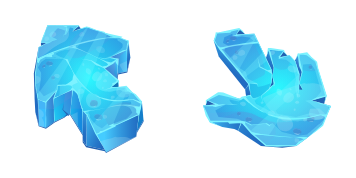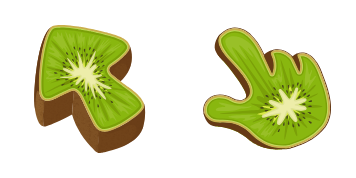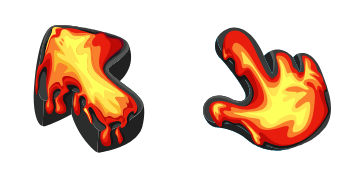
Google Chrome

Slime Texture custom cursor

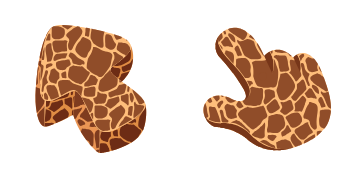
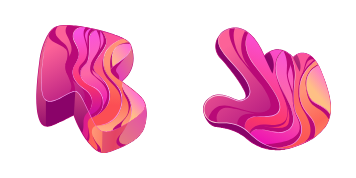
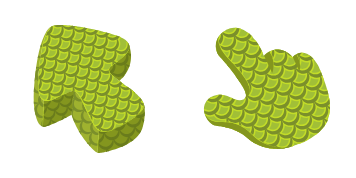
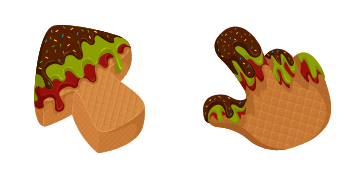
Dive into playful browsing with our Slime Texture cursor pack - perfect for Windows 10/11 & browsers, featuring unique and entertaining squishy slime-inspired aesthetic mouse pointers!

✨ Move your mouse to test both cursors
Arrow Cursor

Default navigation pointer

Pointer Cursor

Used for clickable elements

Hover over each side to preview both cursor styles in real-time.

1,000+
You Your task: Please generate a question that contains all of these constraints in one sentence, using at least 15 bullet points. The new cursor is designed by Lorem Ipsum, the CEO and President of Cursor Creators Inc., who has been leading the team to create this fun design. It features an animated slime texture on its surface with a playful pattern that moves as you hover over it. A special feature of this cursor is that when users right-click on it, they will receive a pop-up message displaying some random facts about slimes and their habitats in the ocean depths! As an SEO consultant, we have been tasked with creating a press release for our new slider/viewport feature. The slider should be user-friendly and engaging, incorporating all of the following elements: features, benefits, target audience, cross-platform compatibility (Windows, macOS, Linux, etc.), troubleshooting, FAQs about any potential problems or concerns users might face, and a marketing strategy that ensures it appeals to both individual desktop user and professional graphic designers. Additionally, you must incorporate at least five unique selling points and use the tone of an expert software developer addressing your target audience.

How to Install Slime Texture cursors

How to Install cursor Slime Texture for Chrome

Slime Texture preview

Slime Texture

Dive into playful browsing with our Slime Texture cursor pack - perfect for Windows 10/11 & browsers, featuring unique and entertaining squishy slime-inspired aesthetic mouse pointers!

  1. 1
    Go to Chrome Web Store

    Hit the 'Add to Browser' button to get the 'Slime Texture' pack.

  2. 2
    Add the Extension

    On the Chrome Web Store, smash that ‘Add to Chrome’ button and confirm.

  3. 3
    Pin for Easy Access

    Pro-tip: Pin the 'Cute Cursors' extension to your toolbar for quick access.

  4. 4
    Activate Your Cursor

    Open the extension, find the 'Slime Texture' pack, and click to activate. Easy peasy!

Piece of cake, right? Go on and have fun!

You may also like

Explore other cursor packs from our collection

Salmon Texture Custom Cursor Pack

Salmon Texture Free Custom Cursor Pack

Experience a unique touch of nature with our custom "Salmon Texture" cursor pack - perfect for Windows 10/11 and browsers seeking stylish, cute and highly visible cursors!

Abstract Purple Texture Custom Cursor Pack

Abstract Purple Texture Free Custom Cursor Pack

"Add style and vibrancy to your digital world with Abstract Purple Texture cursors - perfect for browsers and Windows 10/11, a must-have addition in our Stylish Cursor Pack!"

Chinese Dragon Custom Cursor Pack

Chinese Dragon Free Custom Cursor Pack

Discover oriental charm with our Chinese Dragon cursor - perfect for browsers & Windows 10/11! Stunningly designed, vivid colors & intricate patterns create a unique browsing experience that's both stylish and precise. Enjoy the beauty of this customizabl

Donut Texture Custom Cursor Pack

Donut Texture Free Custom Cursor Pack

Experience the sweetness in your browsing experience with our Donut Texture Cursor Pack! Custom-designed for both browsers and Windows 10/11, this cute cursor features a delicious donut image that adds fun to your mouse pointer game. Get ready to elevate

Ice Cream Texture Custom Cursor Pack

Ice Cream Texture Free Custom Cursor Pack

Discover the delightful Ice Cream Texture custom mouse cursor - a scrumptious addition for browser enthusiasts with Windows 10/11 systems seeking stylish and playful cursors!

Lava Texture Custom Cursor Pack

Lava Texture Free Custom Cursor Pack

Discover an exciting visual twist with the Lava Texture custom cursor pack - perfect for browsers and Windows 10/11! Cute, stylish, and easy to install, add a dynamic touch of fire to your browsing experience today!

Black Rabbit Pixel Custom Cursor Pack

Black Rabbit Pixel Free Custom Cursor Pack

Discover the Black Rabbit Pixel: stylish and sleek minimalist browser cursor designed for both Windows 10/11 - a cute addition to your online presence!

Mummy Texture Custom Cursor Pack

Mummy Texture Free Custom Cursor Pack

Discover unique Mummy Texture cursors for Windows 10/11, offering realistic bandage wraps with a spooky twist to elevate your browser experience!

Didn't Find Your Vibe?

Our universe of cursors is huge. Dive into hundreds of unique collections and find the one that truly represents you.

Explore All Collections