

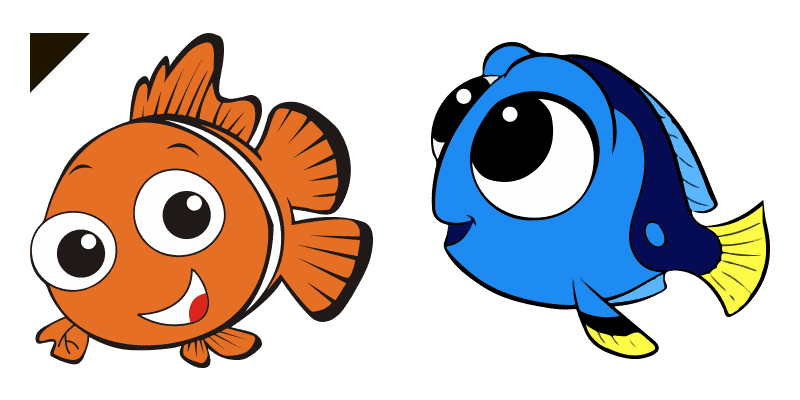
Finding Nemo cursor
Install the Finding Nemo cute cursor - free custom cursor packed with vibe.
Pixar Bug free custom cursor - cute cursor flair for Pixar fans.
Try this cursor
Move across the preview to feel both cursor styles.

Queue up smiles with Pixar Bug - a free cute cursor that keeps storybook vibes close. Grab this free custom cursor for Chrome and Edge, and on Windows 10/11 with Custom Cursor when you want the same look across apps.
Bright accents let Pixar Bug stay crisp on light and dark pages. It is fan-made cursor art only and is not tied to any official Pixar product line.
Nearby picks include the Pixar Fish Cursor Pack, the Sheriff Woody Alt Cursor Pack, and the Ember and Wade Cursor Pack.
Install Pixar Bug and give your mouse a playful Pixar upgrade today.
Explore other cursor packs from our collection
Install the Finding Nemo cute cursor - free custom cursor packed with vibe.

Cars cute cursor - free custom cursor with Pixar vibes.

Toy Story soft cute cursor - free custom cursor for Pixar fans.

Free custom cursor: Up cute cursor with a chibi Pixar look.

Sheriff Woody cute cursor download - free custom cursor for everyday clicks.

Ember and Wade cute cursor for fans - free custom cursor with studio charm.

Grab the Cars Alt cute cursor - a free custom cursor pack for fans.
Finding Nemo Alt: cute cursor pack and free custom cursor for Pixar fans.

Pixar Bug free custom cursor - cute cursor flair for Pixar fans.
Hit the 'Add to Browser' button to get the 'Pixar Bug' pack.
On the Chrome Web Store, smash that ‘Add to Chrome’ button and confirm.
Pro-tip: Pin the 'Cute Cursors' extension to your toolbar for quick access.
Open the extension, find the 'Pixar Bug' pack, and click to activate. Easy peasy!
Our universe of cursors is huge. Dive into hundreds of unique collections and find the one that truly represents you.
Explore All Collections
Idle
{
  "status": "idle"
}