


Sayu cursor
Sayu cute cursor pack - free custom cursor with sleepy Anemo roll charm.
Genshin Impact Mavuika and a Thousand Blazing Suns Sword cursor - free dark outline character custom cursor....
Try this cursor
Move across the preview to feel both cursor styles.

Bring Genshin Impact Mavuika and a Thousand Blazing Suns Sword energy to every click - soft dark-outline character art plus a matching Blazing Suns Sword hover hand. The Genshin Impact Mavuika and a Thousand Blazing Suns Sword cute cursor is a free custom cursor for Chrome and Edge, and it also works on Windows 10/11 through the Custom Cursor app.
Unofficial fan art only - not affiliated with the original rights holders. Soft darkened rim, no white sticker border. It is fan-made cursor art with no official affiliation.
Install the free Genshin Impact Mavuika and a Thousand Blazing Suns Sword custom cursor for Chrome and Edge, or on Windows 10/11 with the Custom Cursor app.
Explore other cursor packs from our collection
Sayu cute cursor pack - free custom cursor with sleepy Anemo roll charm.
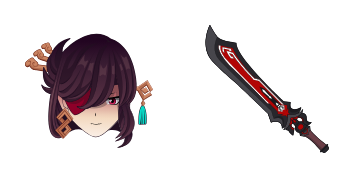
Beidou cute cursor set - free custom cursor with Crux Fleet storm power.
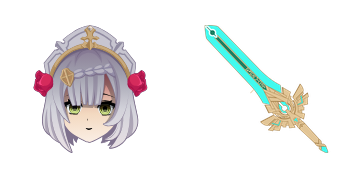
Noelle cute cursor - free custom cursor with maid-knight Geo heart.
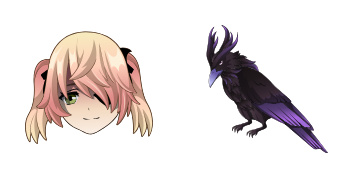
Fischl cute cursor - free custom cursor with Prinzessin Oz drama.
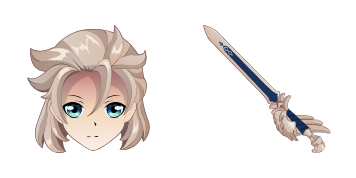
Albedo cute cursor set - free custom cursor with chalk-alchemy calm.
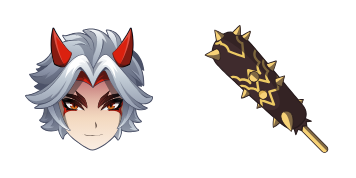
Arataki Itto cute cursor - free custom cursor with oni gang swagger.
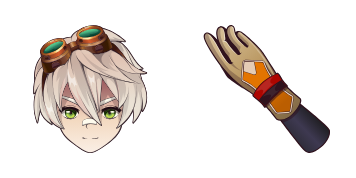
Bennett cute cursor pack - free custom cursor with lucky adventure spark.

Diluc cute cursor pack - free custom cursor with dark-wine Pyro edge.

Genshin Impact Mavuika and a Thousand Blazing Suns Sword cursor - free dark outline character custom cursor....
Hit the 'Add to Browser' button to get the 'Genshin Impact Mavuika and a Thousand Blazing Suns Sword' pack.
On the Chrome Web Store, smash that ‘Add to Chrome’ button and confirm.
Pro-tip: Pin the 'Cute Cursors' extension to your toolbar for quick access.
Open the extension, find the 'Genshin Impact Mavuika and a Thousand Blazing Suns Sword' pack, and click to activate. Easy peasy!
Our universe of cursors is huge. Dive into hundreds of unique collections and find the one that truly represents you.
Explore All Collections
Install it now for free from the official Chrome Web Store
Idle
{
  "status": "idle"
}