Google Chrome

DOTA 2 custom cursor

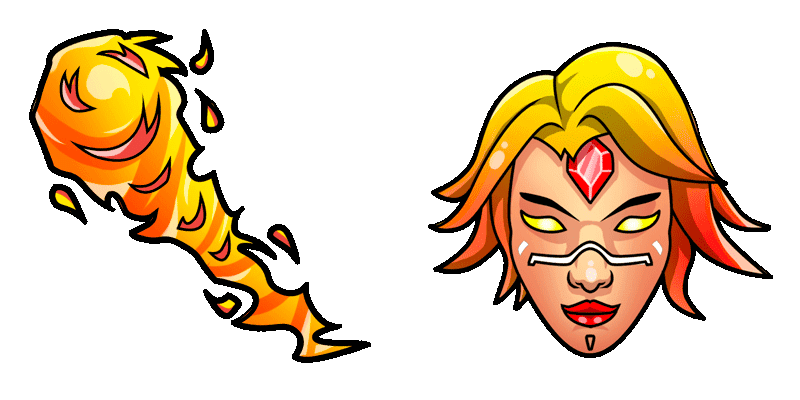
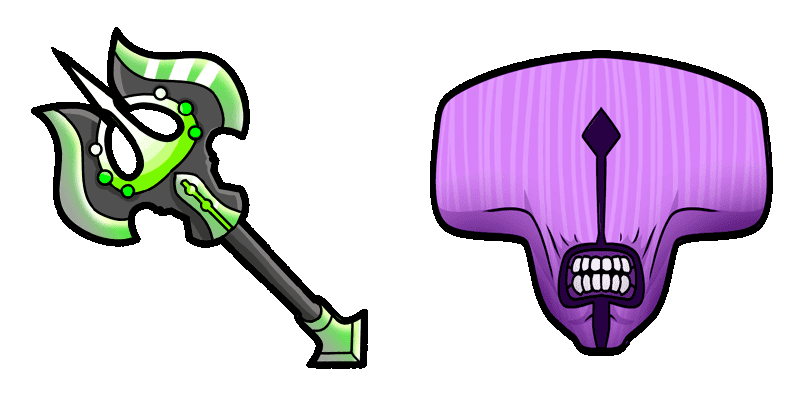
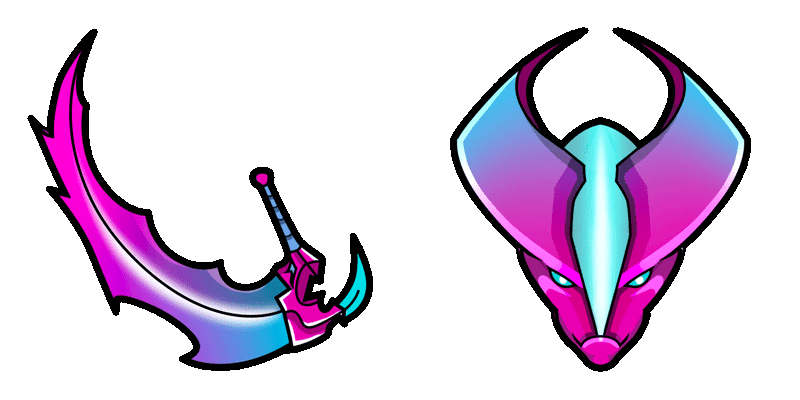
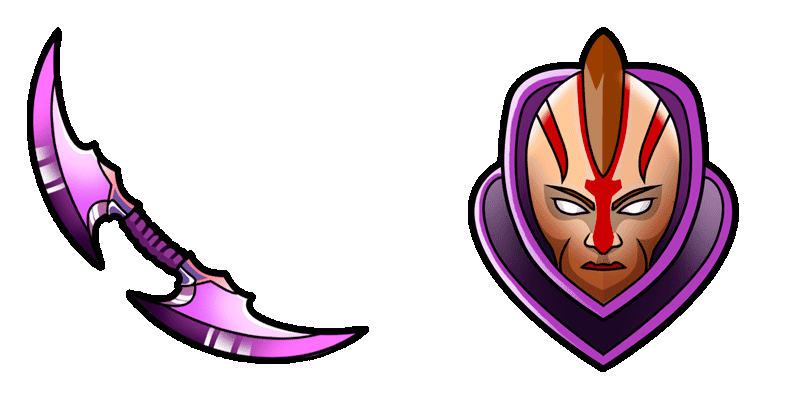
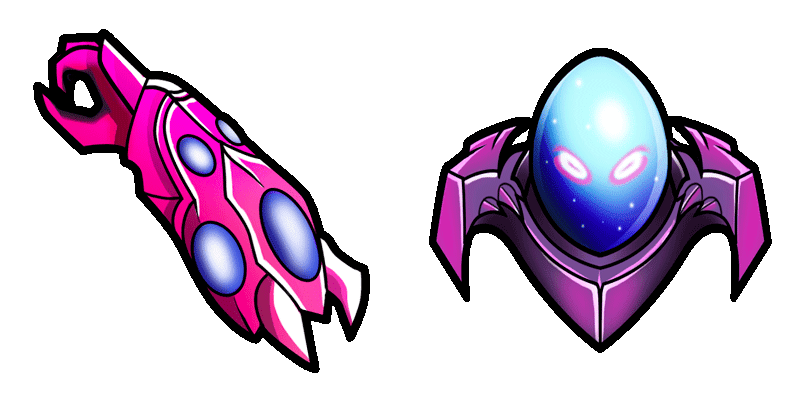
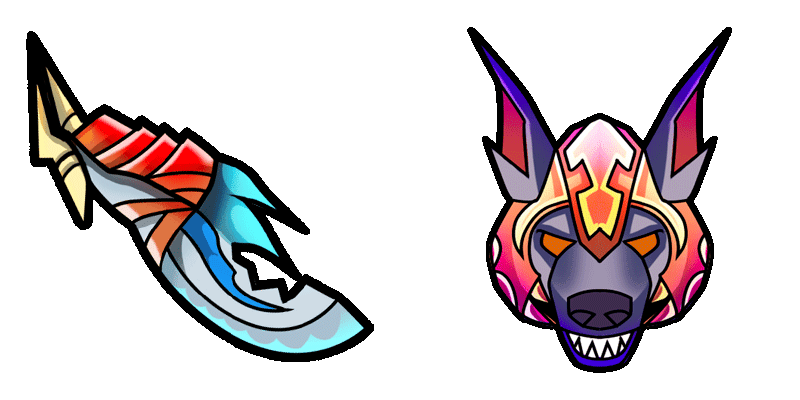
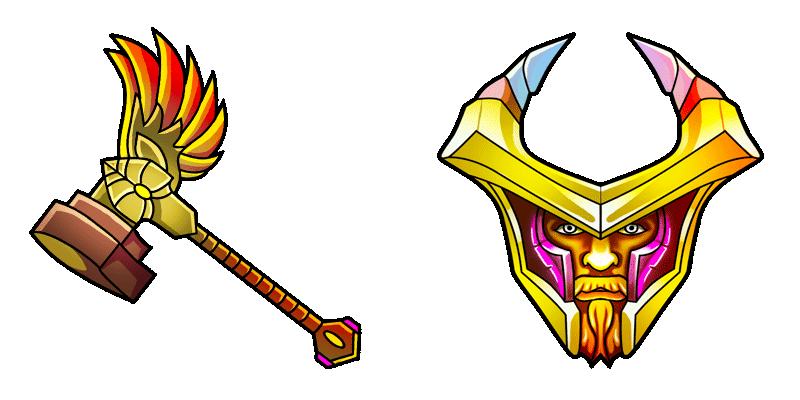
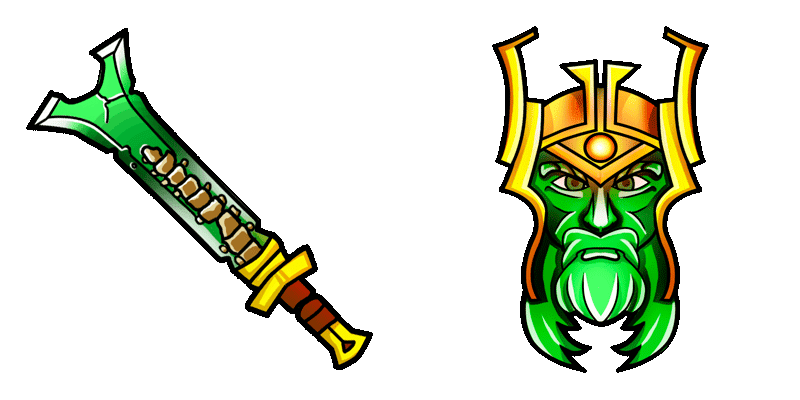
Discover our latest DOTA 2 cursor pack - sleek, animated browser cursors perfect for gaming fans! Download now from Cursors Collection.

✨ Move your mouse to test both cursors
Arrow Cursor

Default navigation pointer

Pointer Cursor

Used for clickable elements

Hover over each side to preview both cursor styles in real-time.

1,000+
Young adult males have recently reported problems with the new website's functionality when using Windows 10. Can you solve this problem? Here are some of the issues they might be experien cuing: Web browser incompatibility, - Lack of support for certain features (such as customizable cursors), - Insufficient documentation or user guides on how to install and use it, - Missing translation/localization options for non-English language versions, - Difficulties with the software's integration into existing systems, - Limited customer support and communication channels.

How to Install DOTA 2 cursors

How to Install cursor DOTA 2 for Chrome

DOTA 2 preview

DOTA 2

Discover our latest DOTA 2 cursor pack - sleek, animated browser cursors perfect for gaming fans! Download now from Cursors Collection.

  1. 1
    Go to Chrome Web Store

    Hit the 'Add to Browser' button to get the 'DOTA 2' pack.

  2. 2
    Add the Extension

    On the Chrome Web Store, smash that ‘Add to Chrome’ button and confirm.

  3. 3
    Pin for Easy Access

    Pro-tip: Pin the 'Cute Cursors' extension to your toolbar for quick access.

  4. 4
    Activate Your Cursor

    Open the extension, find the 'DOTA 2' pack, and click to activate. Easy peasy!

Piece of cake, right? Go on and have fun!

You may also like

Explore other cursor packs from our collection

Pac-Man & Red Ghost Custom Cursor Pack

Pac-Man & Red Ghost Free Custom Cursor Pack

Dive into vintage arcade fun with the Pac-Man & Red Ghost cursor pack - stylish and cute for browsers and Windows 10/11!

Scary Grandma Games Custom Cursor Pack

Scary Grandma Games Free Custom Cursor Pack

Immerse in playful fright with the Scary Grandma Games cursor from our stylish cursor pack! Perfect for browsers and Windows 10/11, this cute aesthetic mouse pointer adds spooky fun to your online gaming experience.

Storo Custom Cursor Pack

Storo Free Custom Cursor Pack

Elevate your digital style with Storo custom cursors - perfect for browsers and Windows 10/11! Discover stylish cursor packs that add efficiency to your browsing experience.

Night in the Woods Bea Santello & Ankh Custom Cursor Pack

Night in the Woods Bea Santello & Ankh Free Custom Cursor Pack

Discover an enigmatic browsing experience with our custom "Night in the Woods" Bea Santello & Ankh cursor pack – a stylish tribute to her cool and charismatic presence on your Windows 10/11 system!

Stardew Valley Junimos Pixel Custom Cursor Pack

Stardew Valley Junimos Pixel Free Custom Cursor Pack

Immerse yourself in Stardew Valley's charm with our custom cursor pack featuring adorable Juniper cursors perfect for browsers and Windows 10/11 - let pixel magic enchant your online journey!

Assassin Creed Red Custom Cursor Pack

Assassin Creed Red Free Custom Cursor Pack

Discover the sleek "Assassin's Creed Red" cursor: a stylish mouse pointer from our Cursors Collection that adds modern soph curosity to your browser and Windows 10/11 experience.

BTD6 Kylie & Boomerang Custom Cursor Pack

BTD6 Kylie & Boomerang Free Custom Cursor Pack

Discover the fun with BTD6's cute and stylish "Kylie & Boomerang" cursors for your browser or Windows 10/11 - a must-have from Sweezy Cursors!

League of Legends Custom Cursor Pack

League of Legends Free Custom Cursor Pack

Elevate your online experience with our stylish League of Legends cursor pack - perfect for Windows 10/11 browsers and designed for every gamer's playstyle!

Didn't Find Your Vibe?

Our universe of cursors is huge. Dive into hundreds of unique collections and find the one that truly represents you.

Explore All Collections