Google Chrome

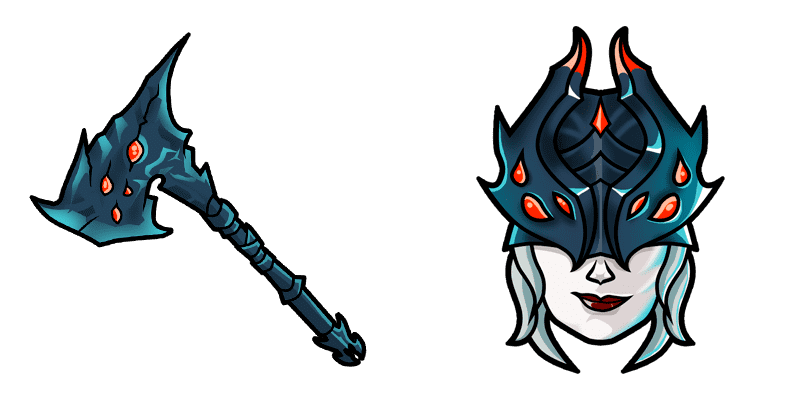
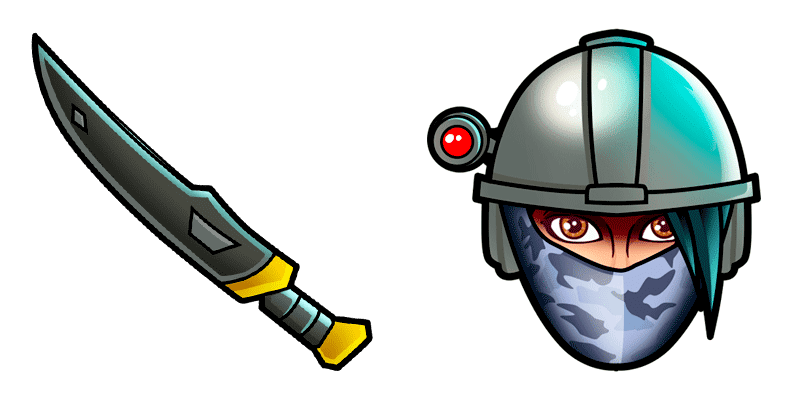
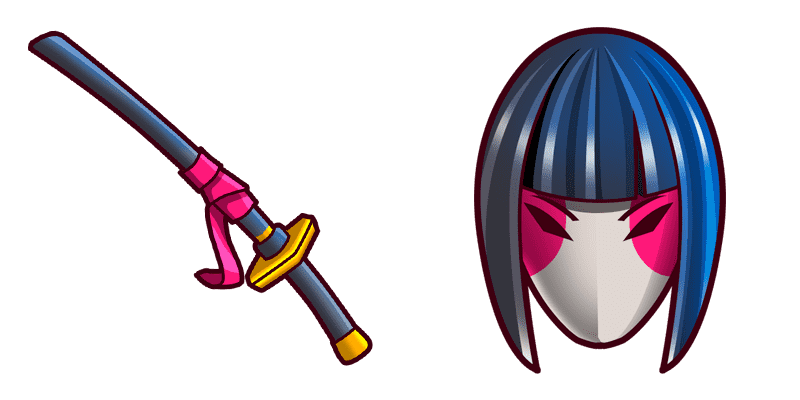
Kane custom cursor

Dive into a new browsing adventure with our latest addition - the Kane Cursor! Experience stylish and cute cursors that elevate your screens by adding Fortnite's unique style, designed for both browsers and Windows 10/11. Immerse yourself in every click w

✨ Move your mouse to test both cursors
Arrow Cursor

Default navigation pointer

Pointer Cursor

Used for clickable elements

Hover over each side to preview both cursor styles in real-time.

1,000+
You have created an HTML code that requires you to create a program, using Python, that scans through all active tabs and adds themesel buttons (left/right arrows) to the cursor. The script should be able to detect any changes in the browser' cuersors so that if there is a change made by the user, the program will automatically update the cursors with their new positions. However, the code needs to handle multiple monitors and should have good memory management when working on large screens

How to Install Kane cursors

How to Install cursor Kane for Chrome

Kane preview

Kane

Dive into a new browsing adventure with our latest addition - the Kane Cursor! Experience stylish and cute cursors that elevate your screens by adding Fortnite's unique style, designed for both browsers and Windows 10/11. Immerse yourself in every click w

  1. 1
    Go to Chrome Web Store

    Hit the 'Add to Browser' button to get the 'Kane' pack.

  2. 2
    Add the Extension

    On the Chrome Web Store, smash that ‘Add to Chrome’ button and confirm.

  3. 3
    Pin for Easy Access

    Pro-tip: Pin the 'Cute Cursors' extension to your toolbar for quick access.

  4. 4
    Activate Your Cursor

    Open the extension, find the 'Kane' pack, and click to activate. Easy peasy!

Piece of cake, right? Go on and have fun!

You may also like

Explore other cursor packs from our collection

Summit Striker Fortnite Custom Cursor Pack

Summit Striker Fortnite Free Custom Cursor Pack

Dive into gaming with style - upgrade to the vibrant Summit Striker Fortnite cursor from our custom cursor collection for browser and Windows 10/11 use!

Bachii Custom Cursor Pack

Bachii Free Custom Cursor Pack

Dive into Fortnite flair with the vibrant Bachii custom browser and Windows cursor pack - adding aesthetic mouse pointers for an engaging online journey.

Archetype Custom Cursor Pack

Archetype Free Custom Cursor Pack

Discover the stylish Archetype cursor pack - perfect for browsers & Windows with cute cursors that reflect your love for Fortnite's sleek aesthetic!

Merry Marauder Custom Cursor Pack

Merry Marauder Free Custom Cursor Pack

"Experience the joy of browsing with our Merry Marauder cursor from Fortnite Cursor Collection - perfect for Windows 10/11 and browsers! A festive gingerbread man that brings a smile to your face!"

Omega Custom Cursor Pack

Omega Free Custom Cursor Pack

Dive into digital elegance with our "Omega" custom mouse cursor pack – stylish and aesthetic for browsers & Windows 10/11, enhancing your browsing journey!

Chomp Sr. Shark Fortnite Custom Cursor Pack

Chomp Sr. Shark Fortnite Free Custom Cursor Pack

Explore our "Chomp Sr. Shark Fortnite" custom cursor pack - perfect for browser and Windows 10/11 users! Navigate with style in this vibrant, fun art design from the Fortnite Cursor Collection. Show off your Fortnite spirit while enjoying smooth functiona

Maki Master Fortnite Custom Cursor Pack

Maki Master Fortnite Free Custom Cursor Pack

Discover Maki Master in our Fortnite Cursor Collection - stylish, aesthetic cursors perfect for browsers & Windows 10/11!

Rex Dino Fortnite Custom Cursor Pack

Rex Dino Fortnite Free Custom Cursor Pack

Experience gaming flair on-screen with the fun and stylish "Rex Dino Fortnite" custom cursor from our collection - perfect for browser, Windows 10 & 11!

Didn't Find Your Vibe?

Our universe of cursors is huge. Dive into hundreds of unique collections and find the one that truly represents you.

Explore All Collections