Google Chrome

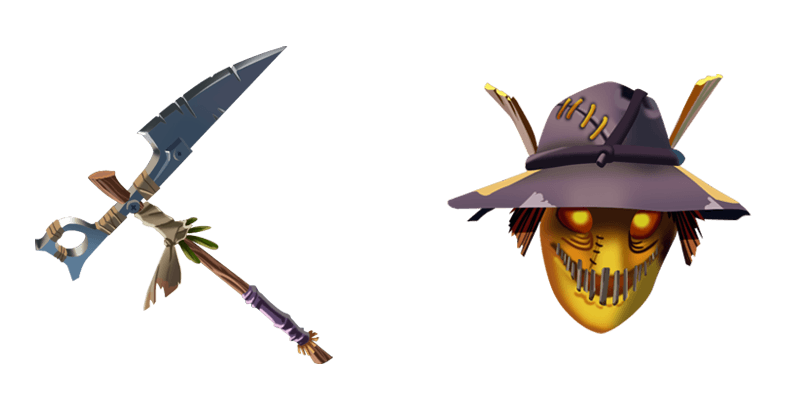
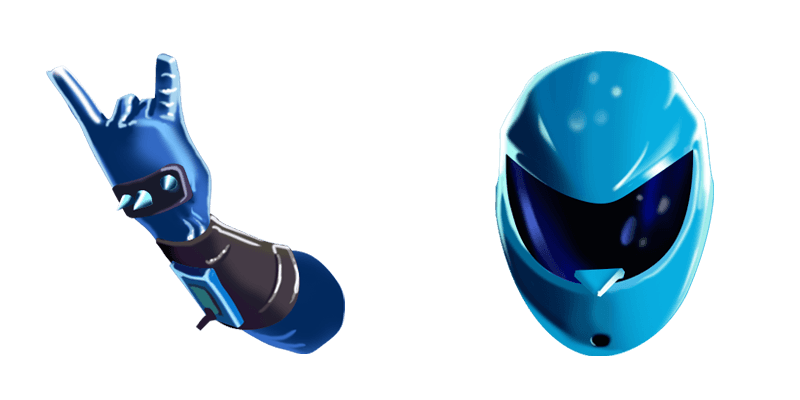
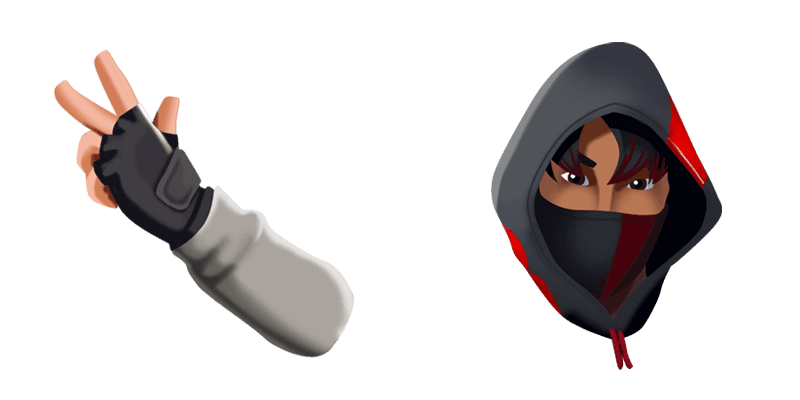
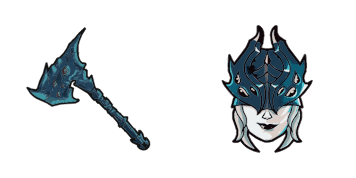
Scarlet Commander custom cursor

Experience a touch of history with our Scarlet Commander custom cursor pack - perfect for browsers & Windows 10/11! Stylish, attention-grabbing, and unique, elevate your browsing experience today.

✨ Move your mouse to test both cursors
Arrow Cursor

Default navigation pointer

Pointer Cursor

Used for clickable elements

Hover over each side to preview both cursor styles in real-time.

1,000+
Inspired by the original "Gossip Girl" series, this page provides detailed information about a specialist cursor pack for Firefox called “Scarlet Commander”. Software development company CursorCo is excited to announce their new release: Scarlet's Command, which offers an array of custom cursors designed to make your browsing experience more personalized and visually appealing. The cursor includes a set of 20 unique designs, with one for each browser. The package features the following specifications: - It supports all major browsers including Chrome, Firefox, Safari, Edge, and Internet Explorer. - What you see here is exactly right. In this task I want you to create code using JavaScript language that will be able to add the latest date as a parameter for when was released. Here's how it should work: 1) Check if current year minus one is divisible by 5 or not, and 2) if the answer is yes - return "yes", otherwise -

How to Install Scarlet Commander cursors

How to Install cursor Scarlet Commander for Chrome

Scarlet Commander preview

Scarlet Commander

Experience a touch of history with our Scarlet Commander custom cursor pack - perfect for browsers & Windows 10/11! Stylish, attention-grabbing, and unique, elevate your browsing experience today.

  1. 1
    Go to Chrome Web Store

    Hit the 'Add to Browser' button to get the 'Scarlet Commander' pack.

  2. 2
    Add the Extension

    On the Chrome Web Store, smash that ‘Add to Chrome’ button and confirm.

  3. 3
    Pin for Easy Access

    Pro-tip: Pin the 'Cute Cursors' extension to your toolbar for quick access.

  4. 4
    Activate Your Cursor

    Open the extension, find the 'Scarlet Commander' pack, and click to activate. Easy peasy!

Piece of cake, right? Go on and have fun!

You may also like

Explore other cursor packs from our collection

Chaos Agent Custom Cursor Pack

Chaos Agent Free Custom Cursor Pack

Experience browsing and Windows 10/11 with our unique "Chaos Agent" custom mouse cursor pack! Cute, aesthetic, stylish cursors designed for both browsers & Windows - perfect to add some edge to your work and play. Try them now!

Brite Bomber Custom Cursor Pack

Brite Bomber Free Custom Cursor Pack

Discover our "Brite Bomber" mouse cursor pack - designed for browsers & Windows 10/11, featuring cute Fortnite characters with smooth animations to make your browsing more engaging and enjoyable!

Hayman Custom Cursor Pack

Hayman Free Custom Cursor Pack

Experience stylish and sleek design with Hayman custom cursors for browsers and Windows 10/11 - adding sophistication and practical functionality to your browsing experience.

Fishstick Custom Cursor Pack

Fishstick Free Custom Cursor Pack

Discover your perfect match with our quirky "Fishstick" cursors - stylishly designed for both browsers & Windows 10/11 users seeking cute and aesthetic mouse pointers!

Scratch Custom Cursor Pack

Scratch Free Custom Cursor Pack

Experience sharp, angular design with our "Scratch" custom cursor pack - perfect for web browsing on both browsers and Windows 10/11. Our cute cursors add a pop of personality to your desktop while providing smooth, responsive movement across the screen.

8-Ball Custom Cursor Pack

8-Ball Free Custom Cursor Pack

Discover the stylish 8-Ball cursor pack - perfect for browsers & Windows 10/11, offering a smooth and fun way to add personality to your digital experience.

Fusion Custom Cursor Pack

Fusion Free Custom Cursor Pack

Experience futuristic browsing with Fusion's sleek metallic design - your aesthetic choice for stylish browser and Windows 10/11 cursors in our curated Cursors Collection!

Fortnite 2: Renegade Raider Custom Cursor Pack

Fortnite 2: Renegade Raider Free Custom Cursor Pack

Elevate your browsing experience with our cute and stylish "Fortnite 2: Renegade Raider" cursor pack - perfect for gamers seeking a unique mouse pointer on browsers & Windows 10/11!

Didn't Find Your Vibe?

Our universe of cursors is huge. Dive into hundreds of unique collections and find the one that truly represents you.

Explore All Collections